AI Frames to Video Generator
Blend first and last frames into a smooth animated sequence with controllable motion and pacing.
Your animated video will appear here
Upload an image and optionally add guidance before generating.
You can review your finished videos anytime on My Videos.
Frames to Video: Turn Key Frames into Guided AI Motion
Start with a first frame and a final frame, then let the Genverse AI frames to video generator build the motion between them. This AI video workflow gives your team clear control over pacing, direction, and the final video look.
Use frames to video for launches, social campaigns, and product storytelling when one still is not enough. Genverse AI keeps the generator flow fast, and every AI video stays practical to scale across key frames.
What Is Frames to Video?
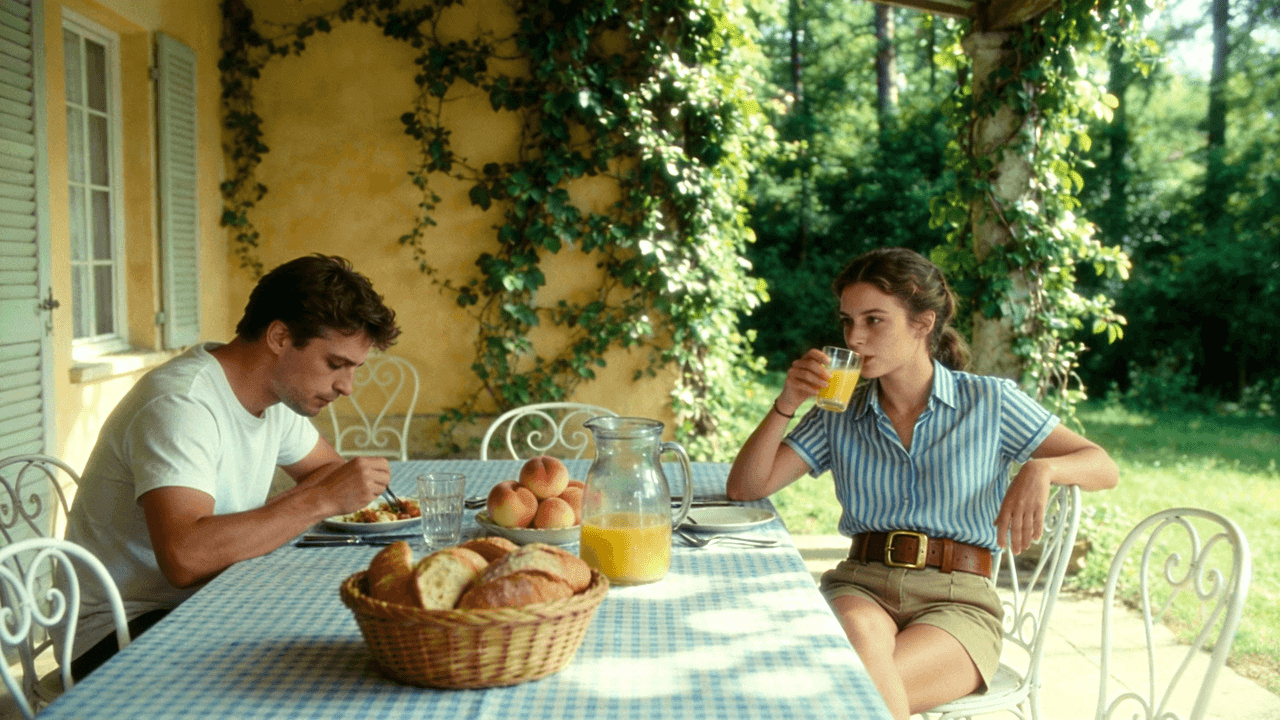
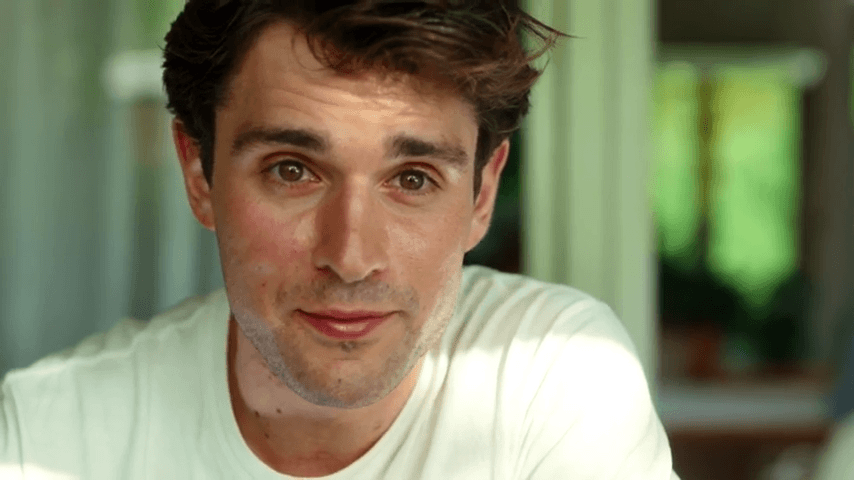
Frames to Video is an AI method that uses a first frame and last frame to define a clearer journey. Instead of asking a generator to invent the whole transition from one still, Genverse uses two anchors so the AI output can move with better structure, pacing, and continuity across frames.
This workflow is ideal for product reveals, before and after stories, visual explainers, and branded campaigns. Image to video is useful when you only have one image, but Frames to Video is often the stronger AI generator when your sequence needs a precise opening and closing scene with stable frames.
Features of the Genverse Frames to Video AI Generator
Discover the Genverse AI toolkit for frames to video production, built to deliver stable AI video output, reliable frames, and faster generator workflows for real campaigns.
Two-Frame AI Control
Set a start frame and end frame, then let the frames to video generator connect them. This Genverse AI workflow gives your team tighter AI video control than a one-image flow.
Natural Motion Flow
Genverse AI predicts pacing and camera movement between key frames, so each frames to video result feels cohesive and production-ready for AI video campaigns.
Flexible Video Formats
Create vertical or landscape AI video with one generator. The frames to video workflow keeps message and framing consistent across launch, social, and ad video formats.
Fast Generator Exports
Export clean HD video in minutes. Genverse AI keeps the frames to video pipeline simple, so teams move from key frames to final AI video faster.
The Art of Motion: Creating from Key Frames
Beauty Ad Transition
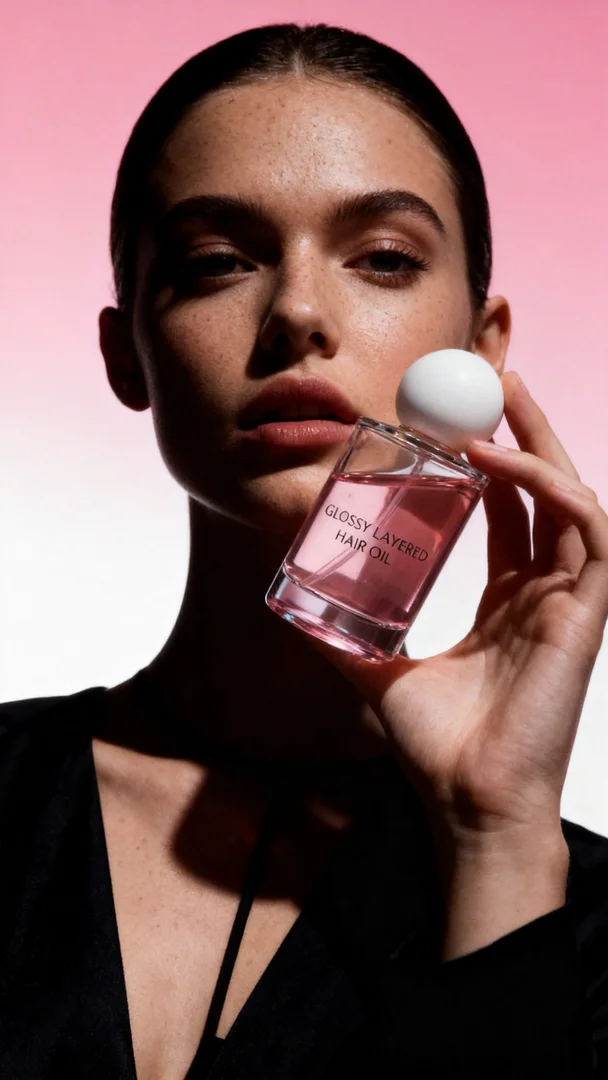
Prompt: High-end beauty commercial. The video begins with first frame the "GLOSSY LAYERED HAIR OIL" bottle suspended in a bright, ethereal white space, surrounded by soft, fluttering pink rose petals. The camera performs a smooth, graceful 360-degree orbital rotation around the bottle. As the camera circles, the bright white background dynamically dissolves into a high-contrast studio setting with a soft pink gradient. The floating bottle seamlessly transitions into the hand of the fashion model from End Frame. She holds the product with elegance, her face partially sculpted by dramatic, moody shadows. The motion is fluid and continuous, ending on the model's powerful and sophisticated gaze. 4K, luxury aesthetic, slow motion.
This ad-style example shows why frames to video is stronger when you already know the opening product shot and the closing hero portrait. The two anchor frames give the motion a clearer path, make the transition more intentional, and help ad creatives feel more structured than a one-image workflow.

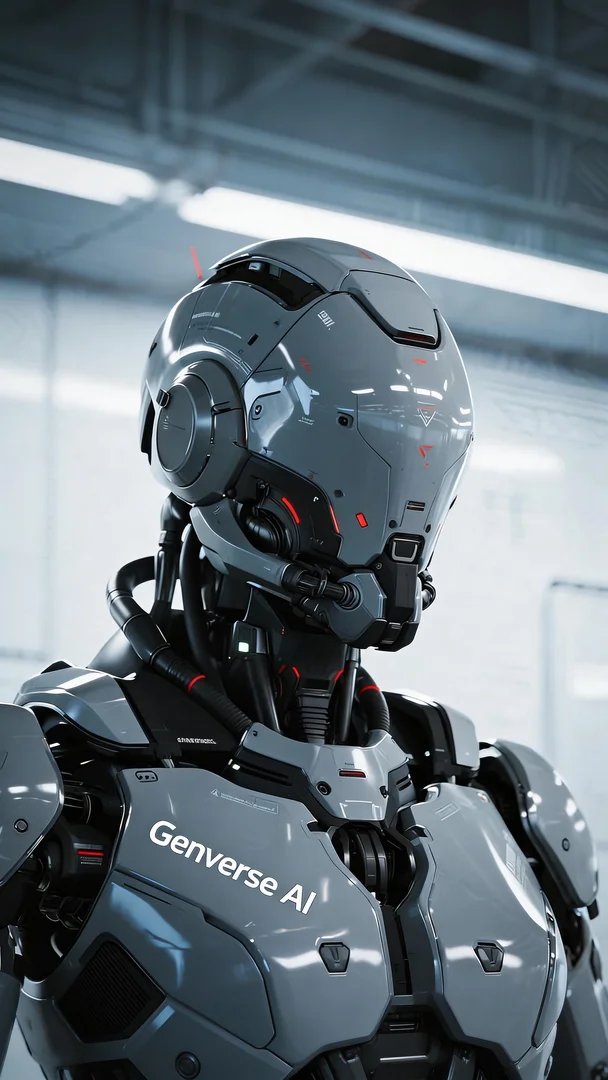
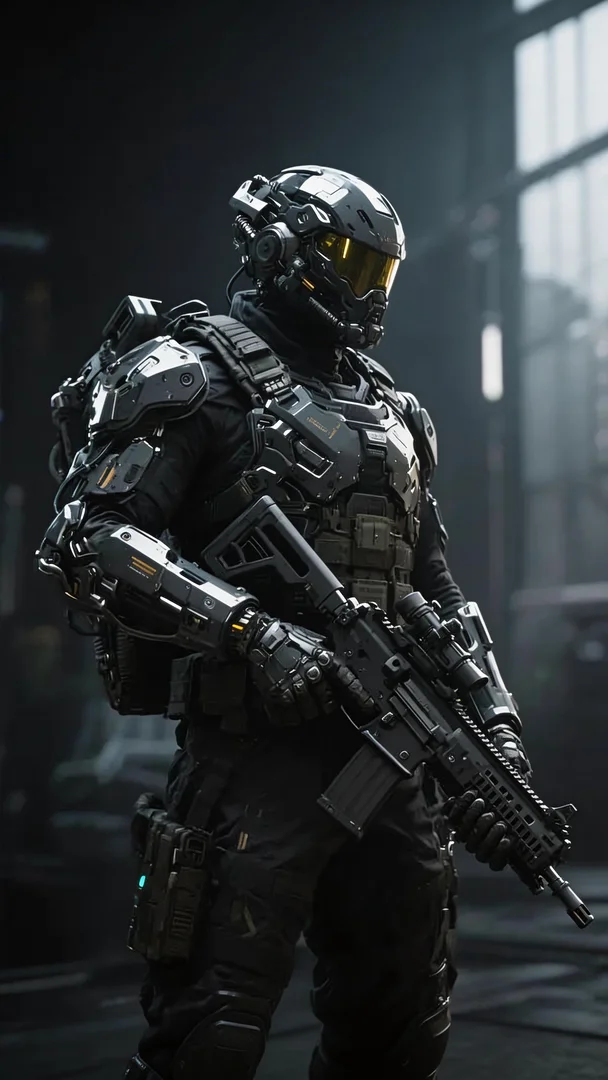
Sci-Fi Armor Assembly Transition
Prompt: Start frame to end frame. Cinematic sci-fi assembly. Fast dolly-out from the Genverse AI robot head as high-tech armor plates and exoskeleton parts fly in and magnetically lock onto the body with sparks and steam. The bright lab background morphs into a dark industrial hangar. Pieces snap on sequentially—chest, shoulders, arms—completing the heavy-armored warrior. Final visor locks as the soldier raises the rifle. 8K, ray-tracing, mechanical precision.
This example shows why Frames to Video is stronger for controlled storytelling: with a fixed start frame and end frame, the model builds a clear transition path, keeps character identity stable, and delivers more predictable motion beats than one-image generation.
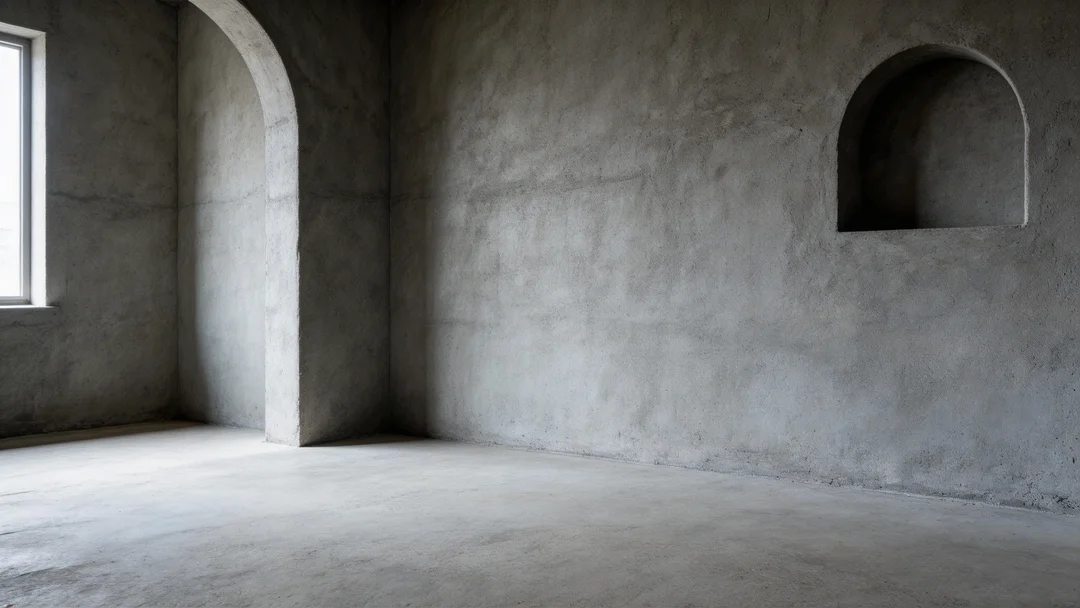
Cinematic Interior Renovation Transition
Prompt: Start frame to end frame. Cinematic renovation time-lapse. Hard renovation phase first: construction workers in vests apply warm cream paint onto grey walls and lay herringbone wood parquet floor piece by piece. Rough arches and niche are smoothed and finished with white mouldings. As workers clear the dusty site, soft decoration begins: workers carry in a rattan armchair, a fiddle leaf fig tree, a lampshade, and a curved white boucle sofa, positioning them one by one to complete the full end frame. Volumetric lighting. 8K, realistic.
This example highlights the core advantage of Frames to Video: with fixed start and end frames, the model can stage complex scene evolution in a controlled timeline, keeping layout continuity and style consistency far better than open-ended one-image generation.

How to Use the Genverse Frames to Video Tool
Follow this Genverse AI generator workflow to turn frames to video inputs into polished AI video with clear direction, stable video pacing, and campaign-ready video output.
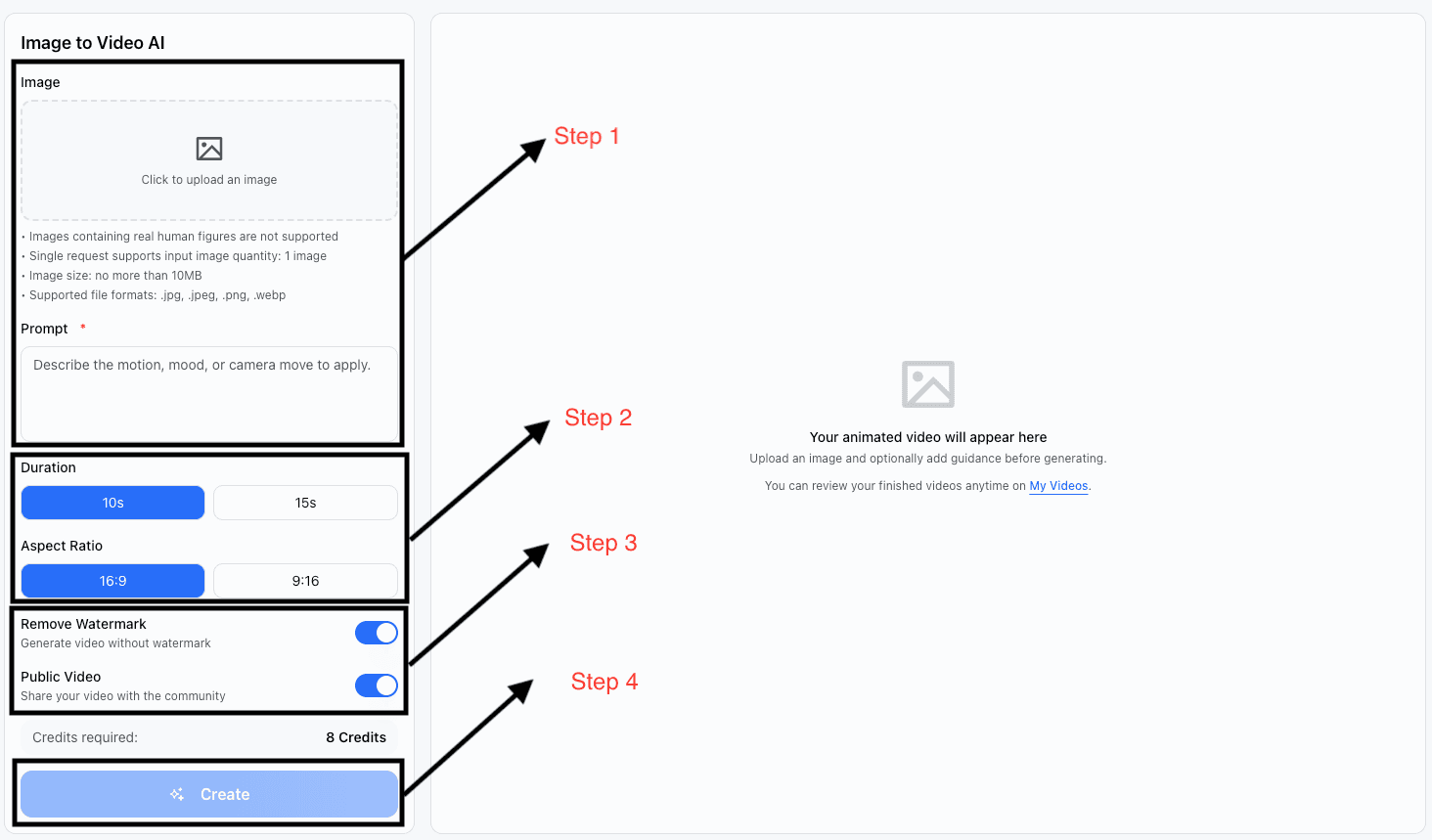
Upload Your Start Frame and End Frame
Add the first frame and final frame that define your story. This gives the AI generator a clear visual path before the motion is created and keeps important frames intact.
Describe the AI Motion
Tell the AI generator how the camera should move, how the scene should feel, and what should happen between the two keyframe anchors and key frames.
Set Format and Preferences
Choose the right duration, ratio, and output settings so the AI result fits your ad, product launch, or social plan while preserving the core frames.
Generate, Review, and Download
Generate the result, review the AI motion between each frame, refine the prompt if needed, and export a finished asset ready for launch.
Who Benefits from Genverse Frames to Video
Teams that need control use frames to video in Genverse AI to create cleaner AI video motion, steadier video pacing, and more reliable frames for production video.
Marketing Teams
Build ad video concepts, campaign video variations, and launch video teasers with a guided AI workflow that starts from approved frames and approved image references.
E-commerce Brands
Turn a product still and lifestyle still into conversion-focused motion for PDPs, social placements, and seasonal campaigns while keeping core frames consistent.
Educators
Transform a concept frame and final outcome frame into an explainable AI video sequence that makes change over time easier to teach across key frames.
Content Creators
Use this workflow to plan a stronger AI video story arc when one still is not enough to express the full video idea across key frames.
Creative Teams
Align stakeholders around one polished result by anchoring AI motion to two key frames instead of leaving the whole transition open-ended.
Social Managers
Ship repeatable short video assets for launches, countdowns, and announcements with a controlled AI generator process based on clear frames.
Benefits of Using a Frames to Video Generator
Use this frames to video generator when you need clear first and final frames, stronger transition quality, and production-ready AI video output.
Faster Production
This workflow reduces revision loops because the video starts and ends where your team expects. That means faster AI video delivery with less guesswork and better frame continuity.
Stronger Consistency
The AI generator uses each frame as a guide, helping the final video output stay on-brand through video transitions, pacing, and composition.
Better AI Motion Direction
Compared with a one-shot image to video flow, this workflow gives the AI more structure, which often produces more intentional video movement between frames.
Versatile AI Use Cases
From product launches and fashion spots to lessons and explainers, Genverse helps teams scale a practical AI generator across channels while preserving key frames and core video beats.
Frequently Asked Questions
Quick answers before your next frames to video project in Genverse AI, including AI video setup, video export, and generator best practices.
What is Frames to Video?
Frames to Video is an AI workflow that uses a first frame and last frame to generate connected video motion between two planned moments. Genverse turns that gap into smooth AI movement with guided pacing, cleaner video continuity, and stronger control over frames.
How is Frames to Video different from image to video?
Image to video starts from one image, while the two-frame workflow uses two planned visuals to steer the full video arc. When your project needs a precise opening and closing moment, this AI generator usually gives you more control over video timing and frames.
When should I use a Frames to Video generator?
Use a Frames to Video generator when you already know how the motion should begin and end and want the AI generator to connect those scenes with cleaner video pacing, visual continuity, and more reliable frames.
Can I still use prompts with this AI generator?
Yes. Genverse combines frame guidance with prompt guidance, so your AI video result can follow both the planned visuals and the video style, camera direction, and mood you want.
Is Frames to Video good for commercial work?
Yes. Teams use Genverse for ad video, product video, explainers, and branded social video work when they need a dependable AI generator built around approved source material and clear frames.
Why choose Genverse for Frames to Video?
Genverse makes Frames to Video simple, fast, and practical. Our AI generator gives you a clear video workflow, flexible video formats, and polished video output from two key frames.
Other Popular Tools on Genverse
Explore more AI workflows when you need image to video or text to video generation.
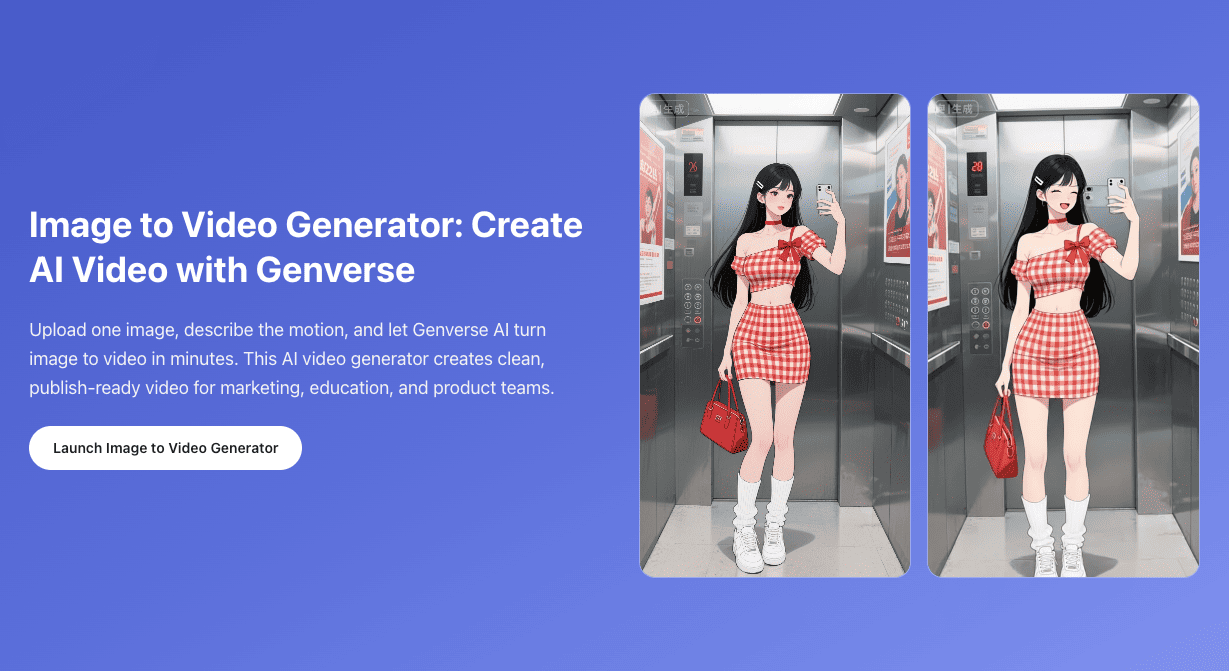
Image to Video
Use our image to video workflow when one image is enough to guide the full motion and you want a lighter AI generator setup.
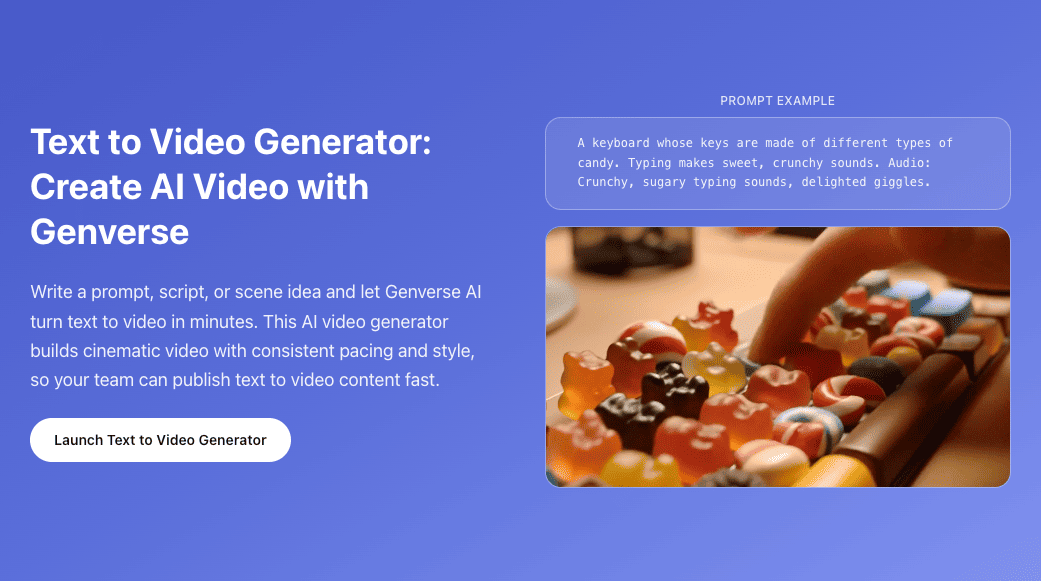
Text to Video
Start from words instead of an image and build a full scene with our text to video generator on Genverse.
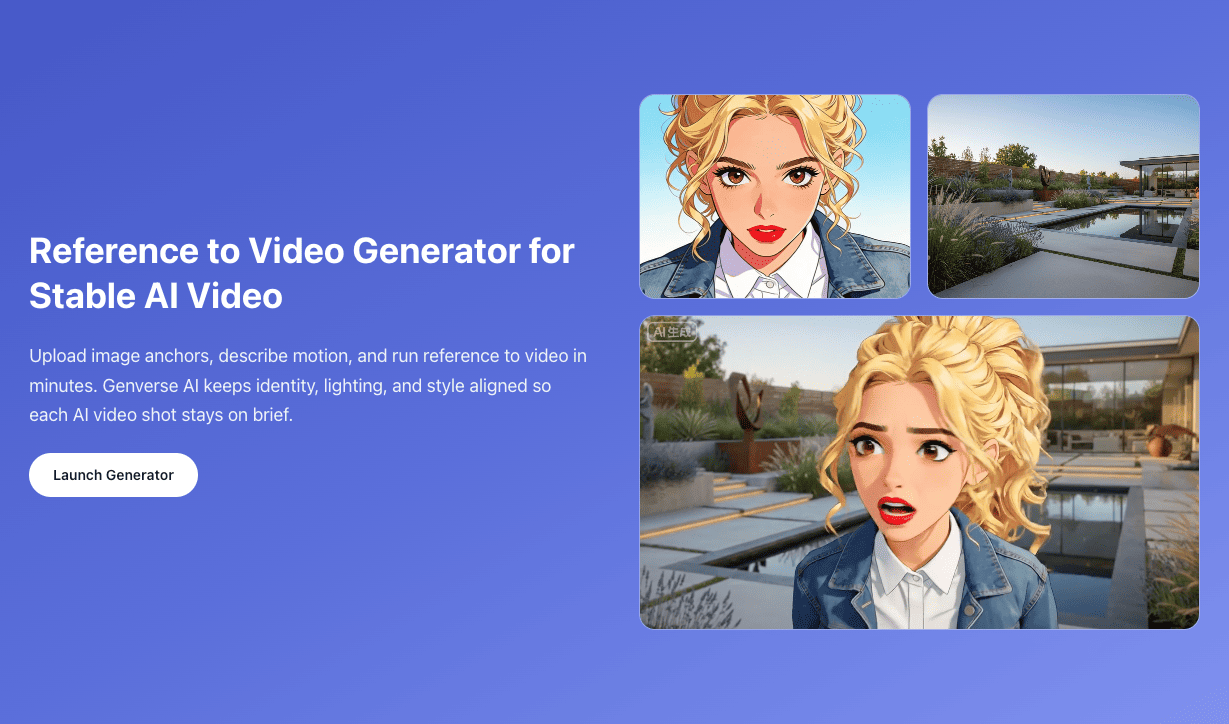
Reference to Video
Use multiple reference images to keep character, style, and scene identity consistent across shots.