AI Image to Video Generator
Animate images into viral AI videos effortlessly. Genverse AI transforms photos into professional videos with Veo 3.1, Sora 2, and more AI models.
Your animated video will appear here
Upload an image and optionally add guidance before generating.
You can review your finished videos anytime on My Videos.
Image to Video Generator: Create AI Video with Genverse
Upload one image, describe the motion, and let Genverse AI turn image to video in minutes. This AI video generator creates clean, publish-ready video for marketing, education, and product teams.
What Is Image to Video in Genverse AI?
Image to video means turning one image into moving video with AI motion planning. In Genverse AI, the model reads your image, predicts movement, and renders AI video with stable camera flow and natural scene timing.
Teams use image to video for product pages, education, and social campaigns when they need faster production. This generator helps you move from image to video draft to publish-ready video without a long editing process.
Features of the Genverse Image to Video AI Generator
Discover the toolkit that keeps your image to video workflow fast, with stable AI video output from the Genverse AI generator.
Fast Image to Video AI
Upload one image and let the Genverse AI video generator build smooth video motion in seconds, with no manual editing timeline.
Video Formats That Fit
Render image to video in 16:9 or 9:16, so each AI video keeps the subject clear and each video channel gets the right format.
1080p Generator Export
Download watermark-free video in 1080p MP4. This image to video generator keeps output ready for ads, pages, and product launches.
Simple AI Video Workflow
From image upload to final video, Genverse AI keeps the workflow easy so any team can ship consistent AI video content.
How to Use the Genverse Image to Video Tool
Follow this flow to move from image to video prompt to polished AI video output in the Genverse AI generator.
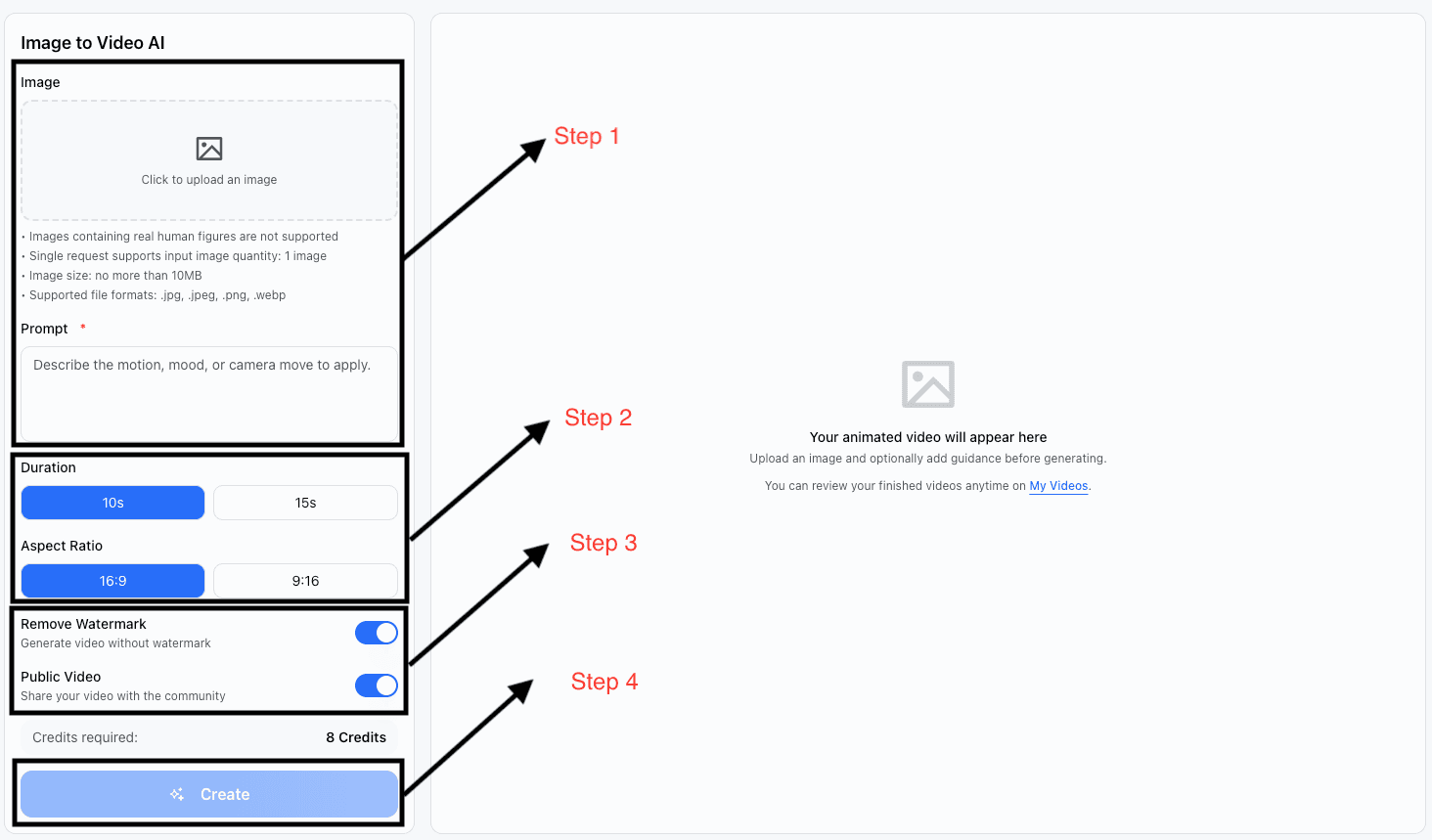
Upload Image & Write Prompt
Drag in your hero photo (JPG, PNG, or WebP) and describe the motion you want to see. Mention camera moves, mood, and focal elements so Genverse understands the direction.
Set Duration & Aspect Ratio
Choose a 10 or 15 second loop and pick the aspect ratio that fits your channel—16:9 for landscape, 9:16 for vertical placements.
Adjust Visibility & Watermark
Toggle watermark removal for polished output and decide whether the video should be public so other creators can be inspired by your work.
Generate & Download
Click generate, review the HD preview, iterate if needed, and export a watermark-free MP4 ready for social, web, or client delivery.
The Art of Motion: Creating Videos from Images
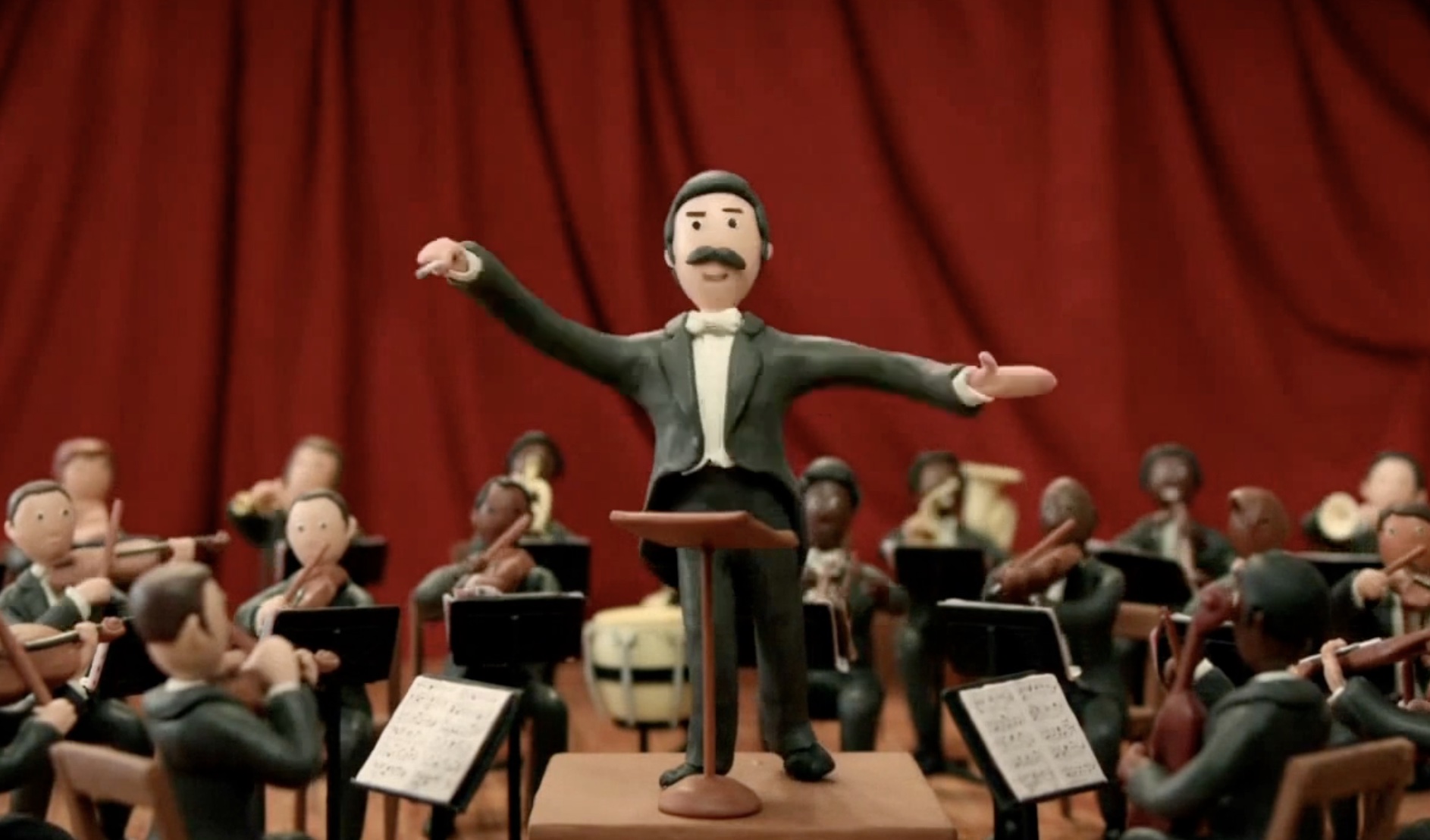
Claymation Chorus Announcement
Prompt: Animate a stop-motion conductor sculpted from colorful clay as he passionately leads a full claymation orchestra on a warmly lit stage. Violins, brass, and percussion players sway in rhythm while the entire ensemble leans toward the audience, joyfully singing the announcement, “Sora 2 is now available on Genverse AI.” Add subtle camera moves that track across the handmade set, highlight expressive clay faces, and end on a triumphant cymbal crash with confetti crafted from paper scraps.
Perfect for whimsical launch teasers or social posts. The tactile clay textures, expressive character poses, and musical energy make this loop feel both artisanal and celebratory.
Sunrise Desert Caravan
Prompt: Transform a golden hour desert photograph into a cinematic scene. Animate rolling dunes with wind-swept sand, lead a caravan of silhouettes across the horizon, and let the rising sun cast long dynamic shadows that glide toward the camera.
Perfect for destination marketing and storytelling trailers. Warm palettes and flowing movement evoke adventure, inspiring viewers to explore the location.
.png)
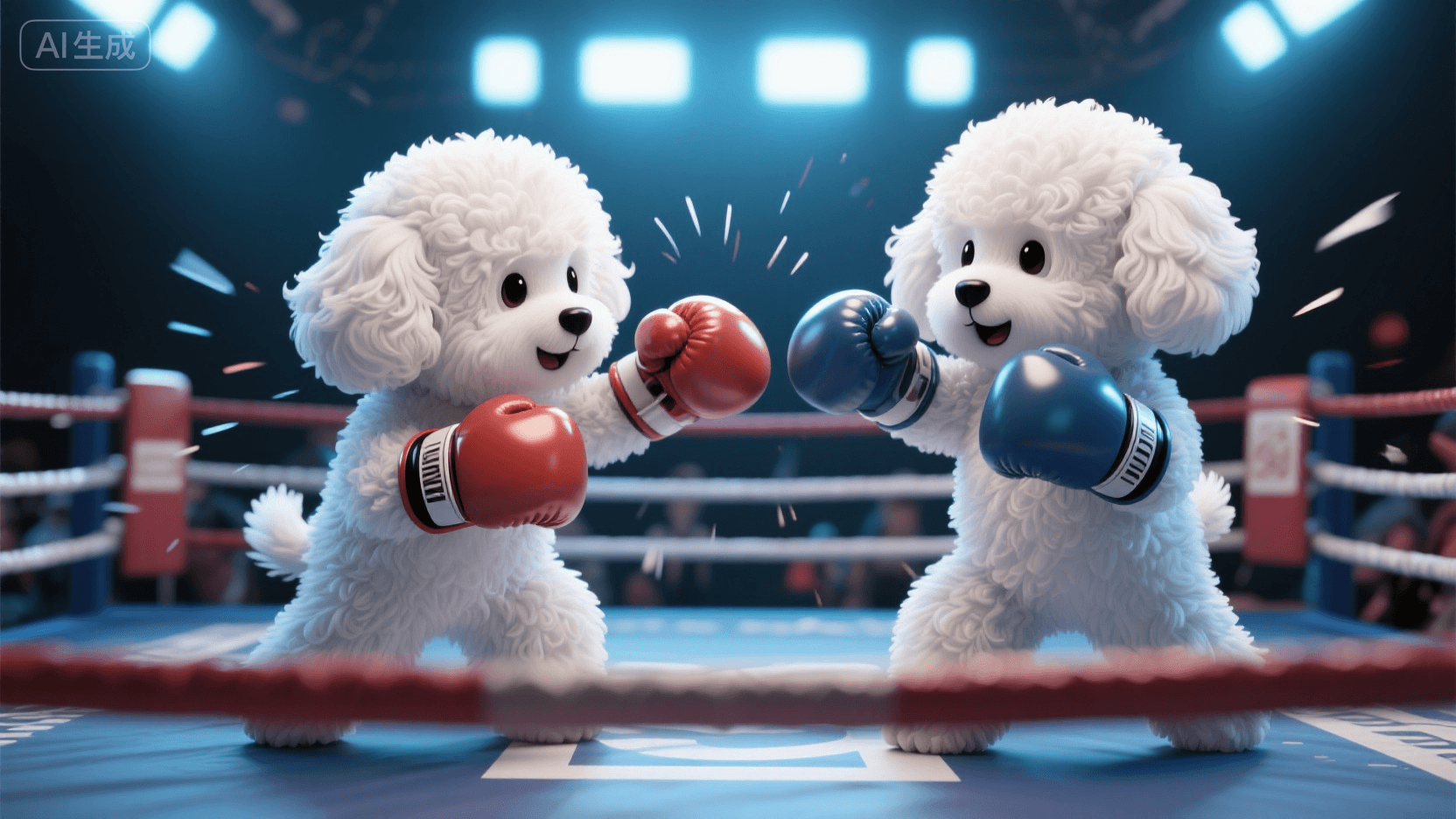
White Teddy Boxing Bout
Prompt: Animate two anthropomorphic white toy poodles facing off in a professional boxing ring. They bounce on their paws, gloves raised, trading playful jabs and weaving around each other under dramatic stadium spotlights. Sweat beads, flashing cameras, and a roaring clay crowd add excitement as the dogs exchange friendly blows in a looping sequence.
Ideal for lighthearted sports promos or social clips. The high-energy choreography and expressive canine boxers deliver a charming loop that mixes cuteness with competitive spirit.
Who Benefits from Genverse Image to Video
From marketers to memory keepers, teams use image to video to produce AI video assets that engage in seconds.
Social Media Influencer
Turn each image into scroll-stopping video for Instagram, TikTok, and YouTube Stories, and keep your audience engaged with daily animated content.
E-commerce Entrepreneur
Turn each product image into dynamic video that highlights features, variants, and lifestyle settings and helps boost conversion rates.
Digital Marketer
Craft polished video for ads, newsletters, and landing pages. Animated image to video content consistently improves click-through and retention.
Event Planner
Repackage each event image into highlight video you can share with clients minutes after the event.
Educator
Animate lesson diagrams, timelines, and classroom image assets to make video instruction more interactive for both in-person and remote learners.
Travel Enthusiast
Bring travel albums to life by turning each image into cinematic video memory clips that friends, followers, and family will share.
Explore More Genverse Tools
Keep the creative flow going with other Genverse AI video workflows and generator tools.
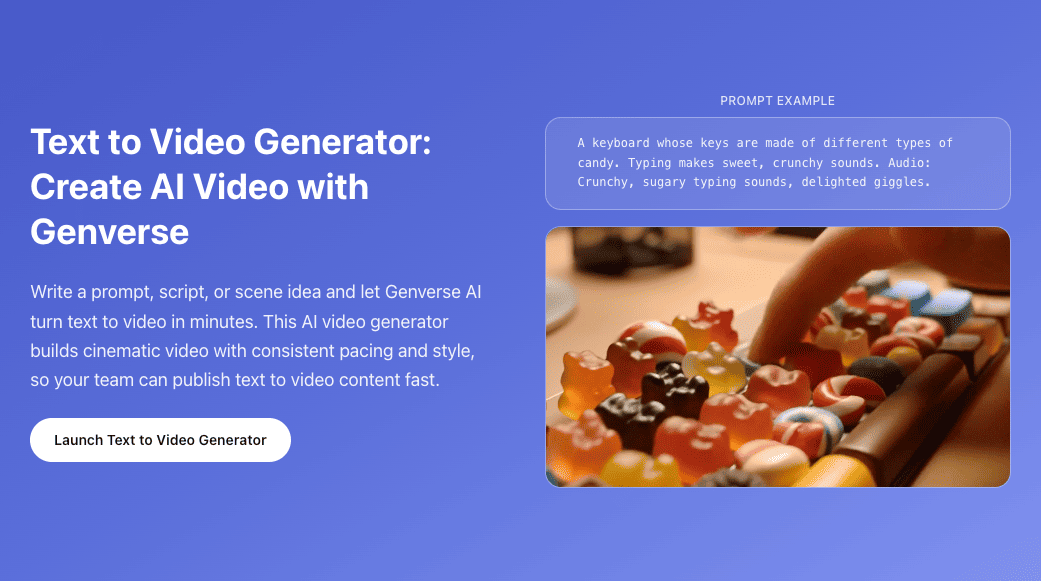
Text to Video
Turn scripts and scene ideas into cinematic clips with our AI text-to-video generator powered by Sora 2.
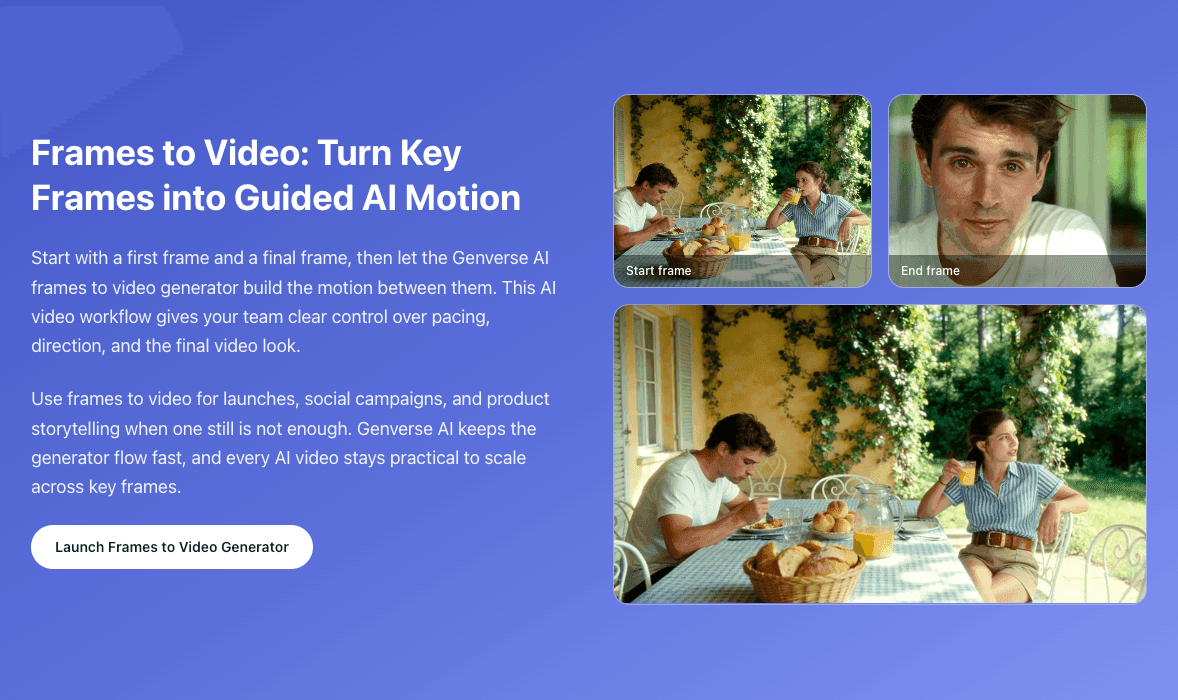
Frames to Video
Upload a start frame and end frame to generate smooth guided motion between key moments.
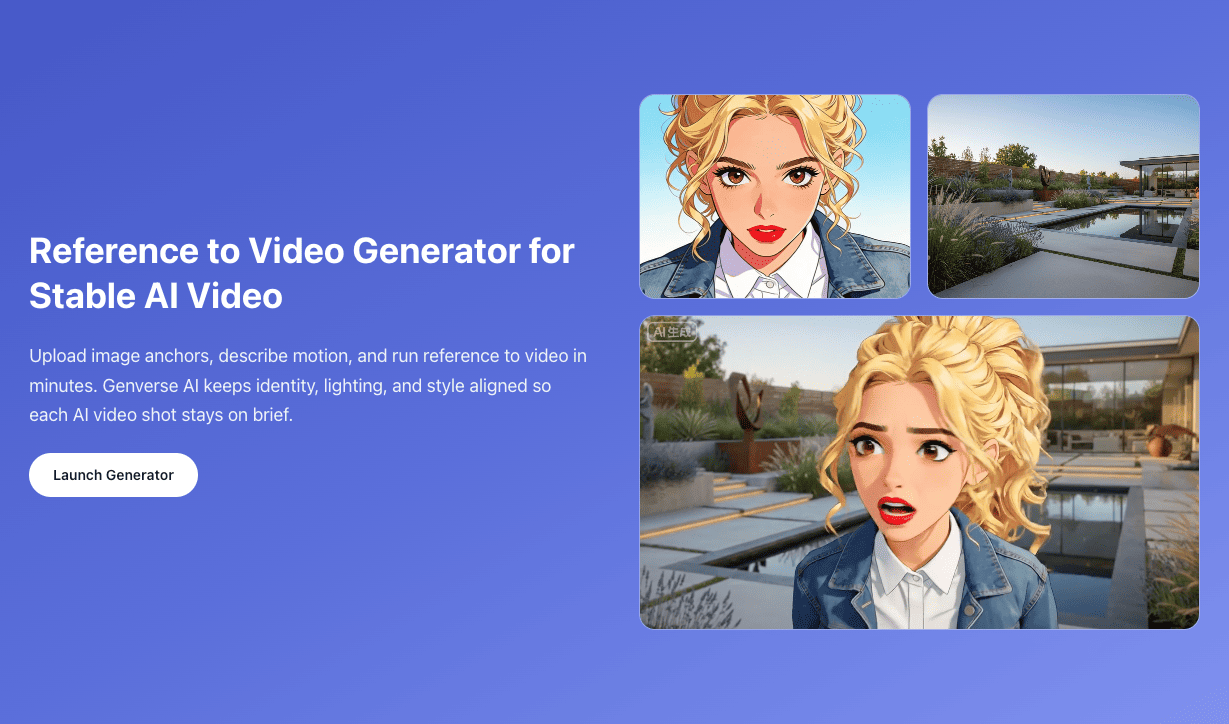
Reference to Video
Use multiple reference images to keep character, style, and scene identity consistent across shots.
Frequently Asked Questions
Quick answers about image to video, AI video export, and generator setup.
What can the Image to Video tool be used for?
Our AI image to video generator is built for marketing reels, product explainers, social stories, educational content, and personal memory video. Anytime you need motion from one image, Genverse AI delivers polished video in minutes.
How many images do I need to upload?
You can start with one hero image per request. A single high-quality image gives the image to video model enough detail to preserve composition while building natural motion.
Can I include a script or description?
Yes. Add a motion prompt that describes camera moves, mood, and pacing. Clear direction helps the Genverse AI image to video generator produce better video from your image.
Which formats are supported?
JPG, PNG, and WebP up to 10MB are supported today. We recommend PNG or high-resolution JPG files for the cleanest results.
Are the generated videos approved for commercial use?
Yes. Video produced on paid plans is licensed for commercial projects, including ads, social campaigns, and client work. Free-tier image to video output is limited to personal use.
How do I ensure the video fits different platforms?
Pick from built-in aspect ratios before exporting. You can regenerate the same image to video prompt in multiple video ratios to cover every distribution channel.