AI Reference to Video Generator
Use reference images to guide identity, style, and scene direction with the Genverse AI video generator for reference to video.
Your animated video will appear here
Upload an image and optionally add guidance before generating.
You can review your finished videos anytime on My Videos.
Reference to Video Generator for Stable AI Video
Upload image anchors, describe motion, and run reference to video in minutes. Genverse AI keeps identity, lighting, and style aligned so each AI video shot stays on brief.

What Is Reference to Video?
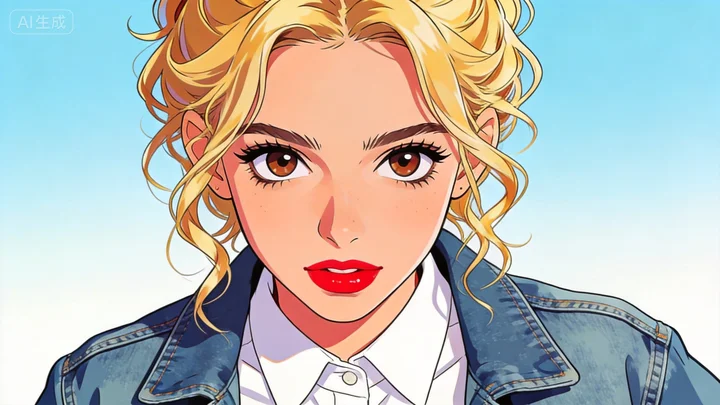
Reference to video uses one or more anchor images to guide motion, look, and framing. Instead of rolling random outputs, the generator follows clear visual cues so your AI video result stays consistent from opening frame to final frame.
Teams choose this workflow when brand style matters. It combines prompt guidance with anchor images, so AI video output feels intentional and easier to approve across multiple edits.
Why Teams Use This Reference to Video Generator
Genverse AI gives practical controls for anchor-based production, with smoother iteration, predictable pacing, and clean AI video export.
Identity Lock
The generator keeps faces, products, and styling closer to your source anchors for reliable continuity.
Directed Motion
Pair prompt guidance with anchors to get cleaner camera movement and steadier scene flow.
HD Export
Download polished clips for launch pages, ads, and social distribution in a production-ready format.
Fast Iteration
Refine prompts and regenerate quickly while keeping the same visual foundation across versions.
How to Run Reference to Video
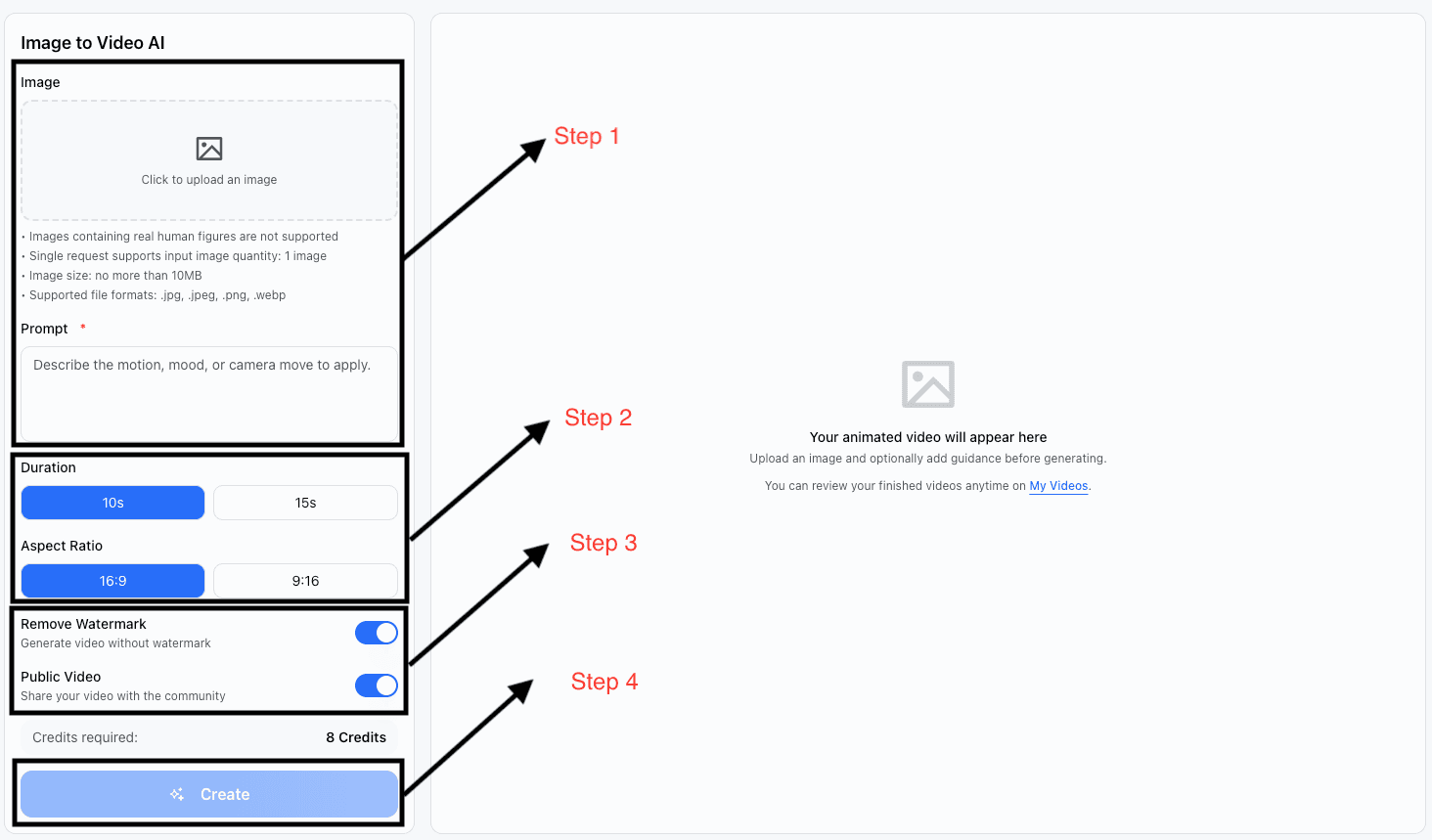
Use this four-step flow to move from image anchors and prompts to final AI video delivery.
Upload Anchor Images
Start with a primary image, then add optional anchors for wardrobe, product shape, or scene style.
Write Motion Guidance
Describe camera path, subject movement, and mood so the generator can map a clear transition.
Choose Format and Length
Pick the ratio and duration that fit your channel so each AI video export is ready to publish.
Generate and Refine
Review the clip, adjust prompt details, and regenerate until the AI video output matches your goal.
Reference to Video Examples
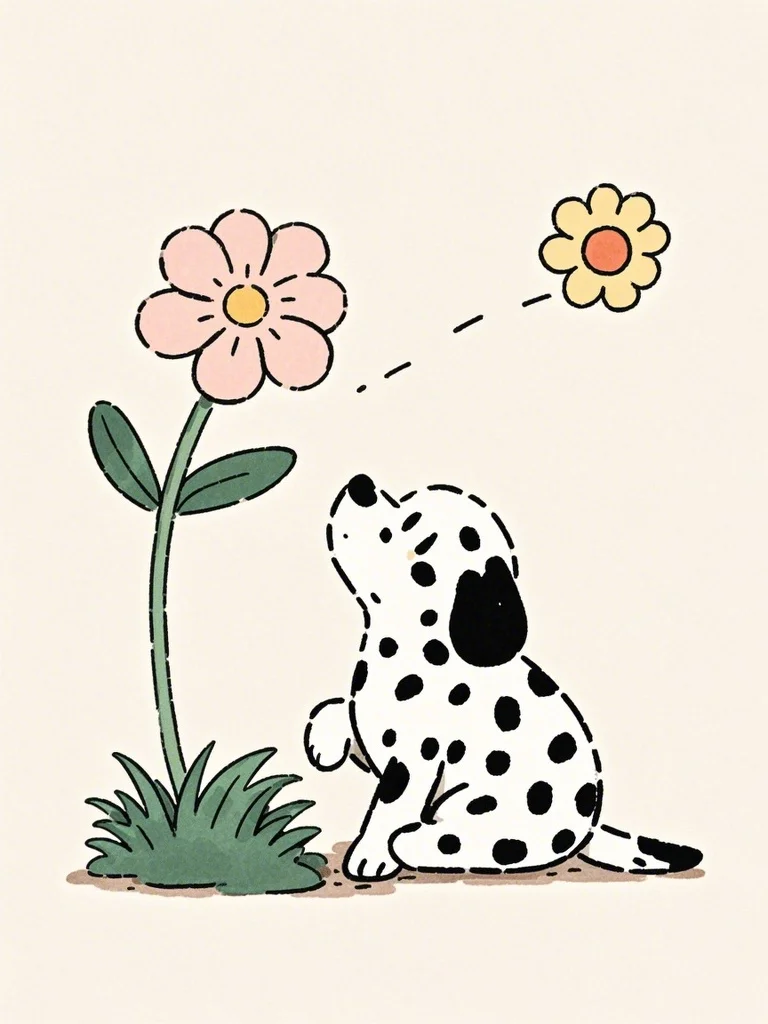
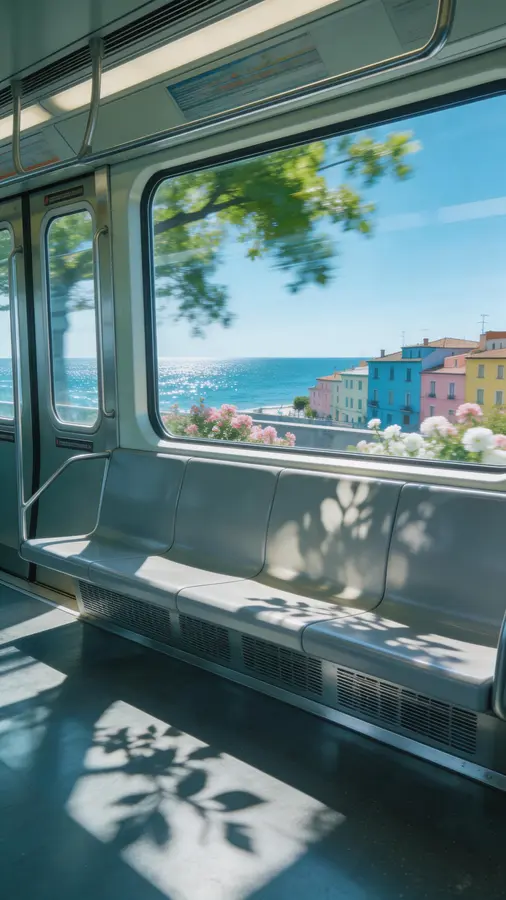
Puppy Train Journey Teaser
Prompt: Use a portrait anchor of a hand-drawn dalmatian puppy and generate a sunny train ride with ocean views passing through the window, shallow depth, and a dynamic bounce-and-run motion.
A compact reference to video concept for launch pages that need repeatable character identity.
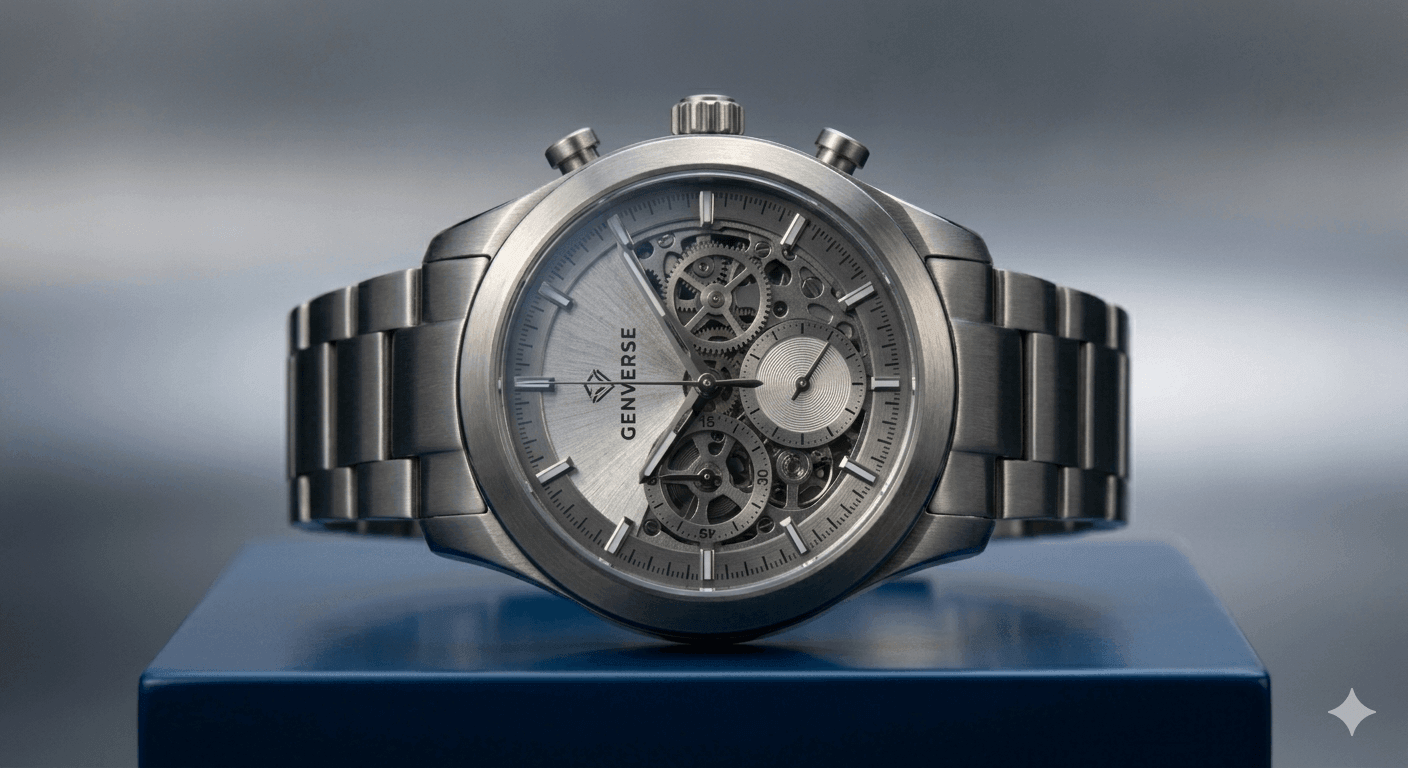
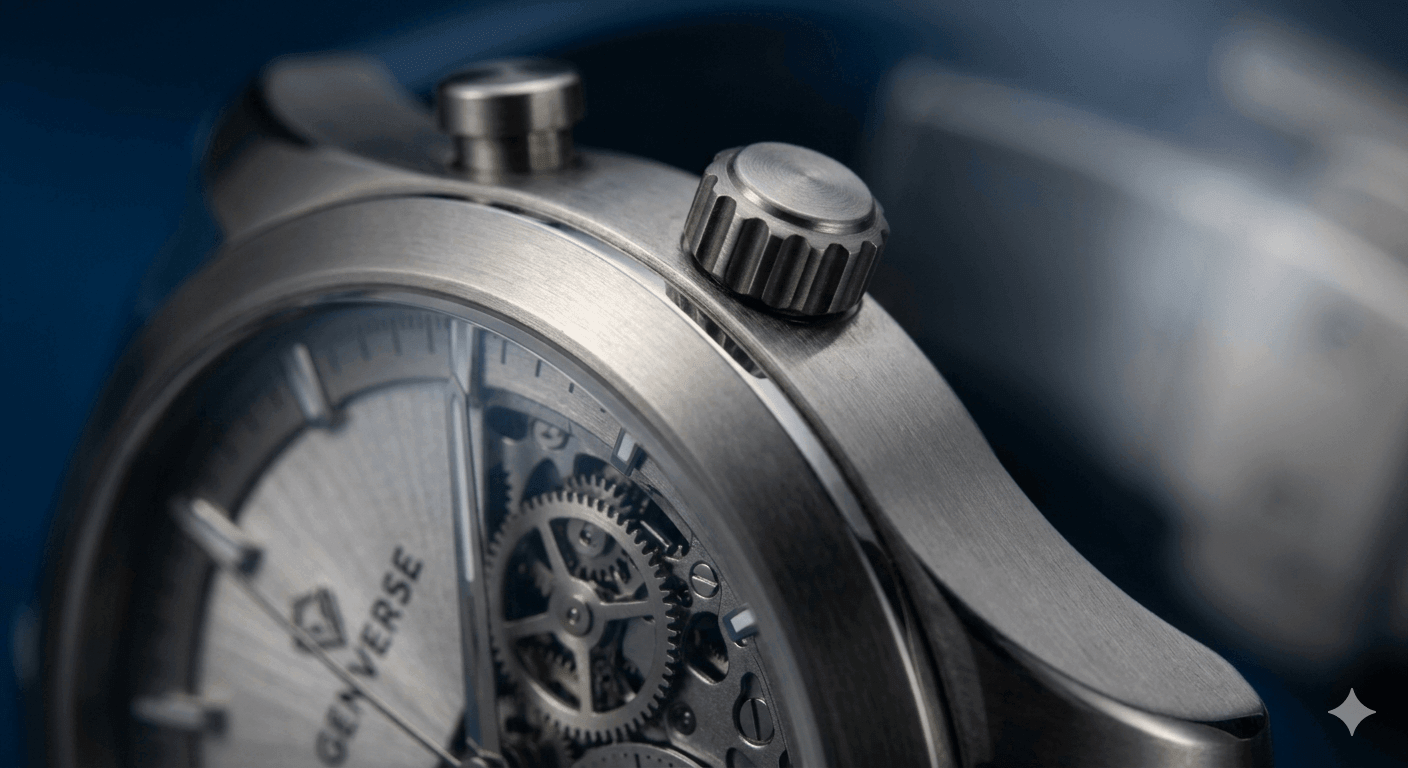
Product Hero Transition
Prompt: Use product anchors to move from detail close-up to final hero framing with smooth light sweeps and premium pacing.
Built for commerce teams that need dependable brand styling and cleaner approval loops.
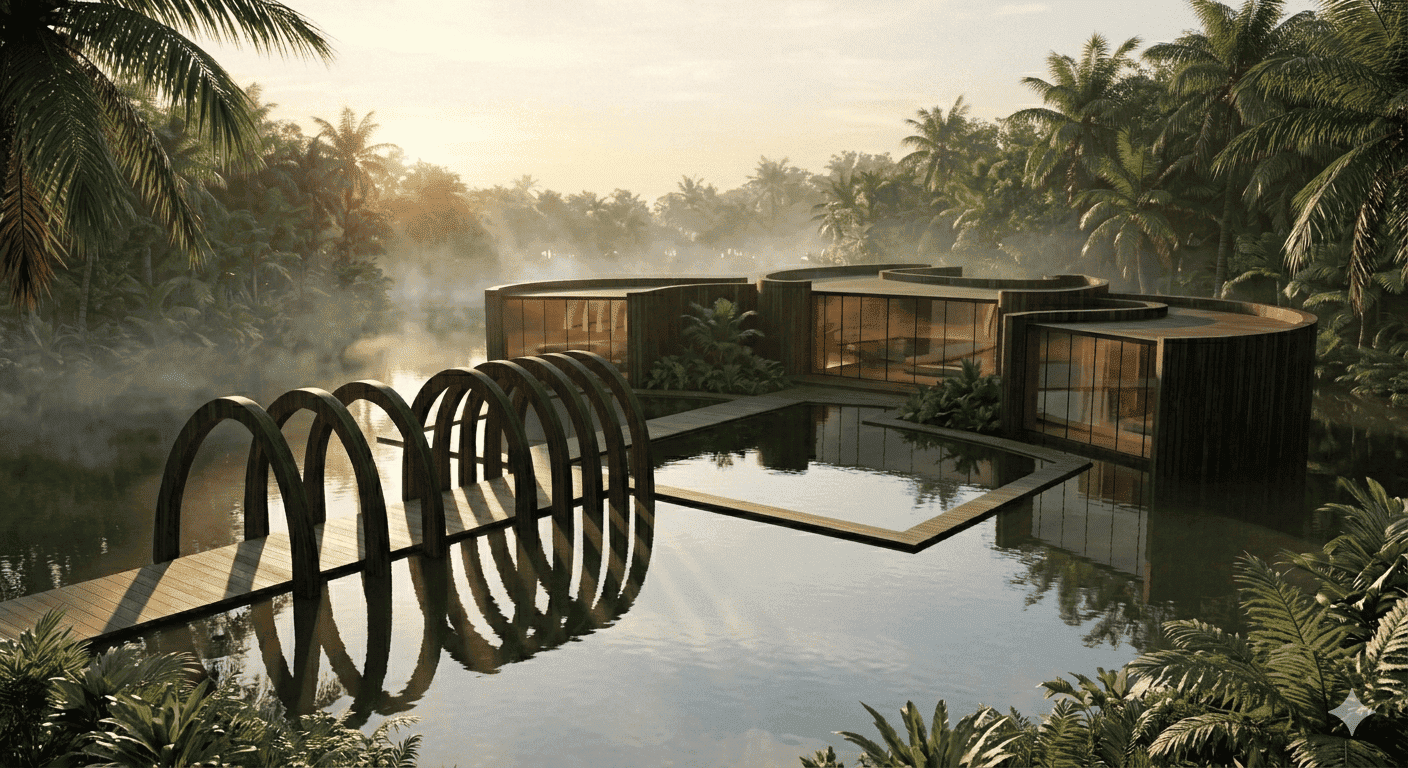
Travel Mood Sequence
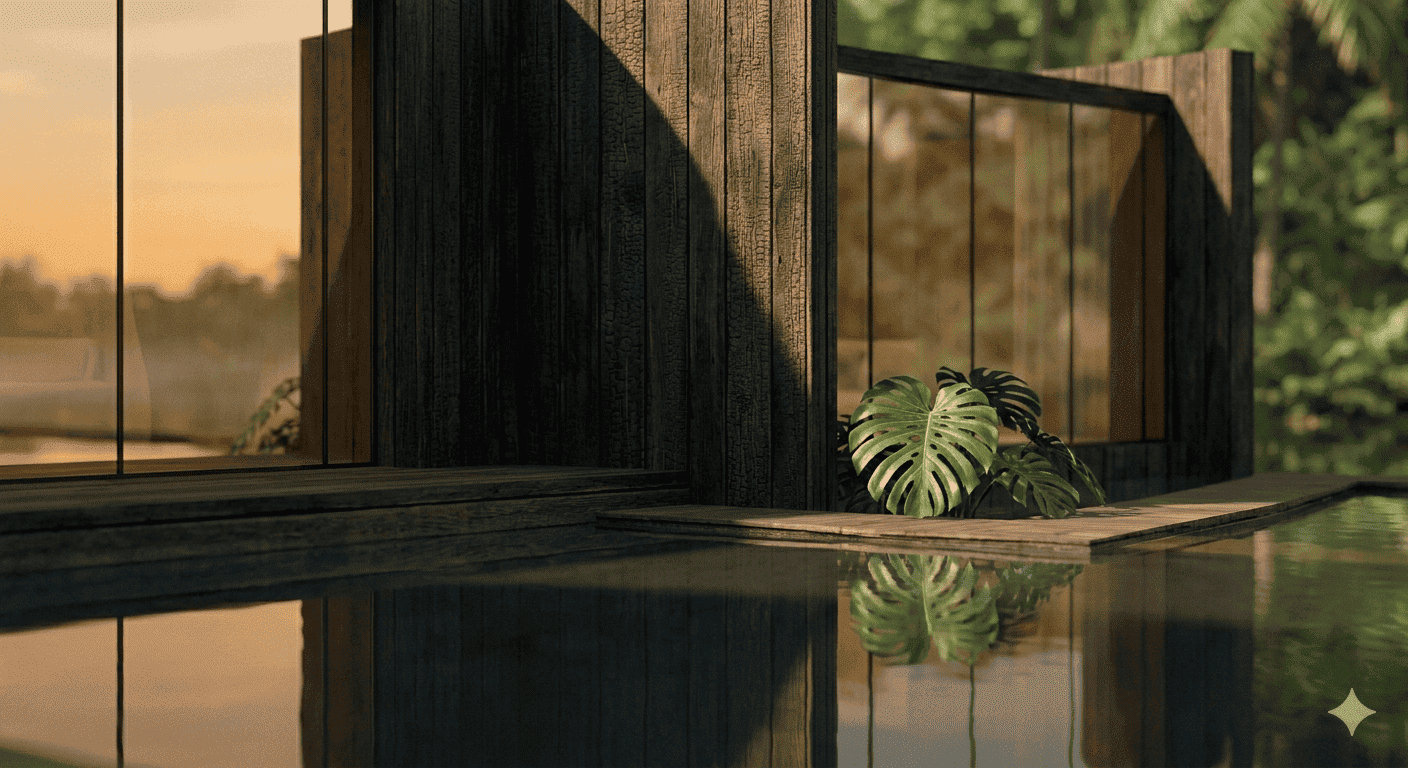
Prompt: Use a destination anchor set and generate a cinematic morning pass with long shadows and a gentle forward glide.
A practical setup for tourism and creator teams that need coherent tone across edits.

Who Gets Value from Reference to Video
From growth teams to studios, this workflow helps scale production without losing visual consistency.
Marketing Teams
Produce campaign variants with stronger continuity while keeping review cycles short.
E-commerce Brands
Turn product anchors into launch assets that keep style and framing consistent.
Social Creators
Keep a recognizable look across frequent posts with anchor-based generation.
Creative Studios
Test concepts fast before full production while preserving core visual direction.
Educators
Build explainer clips with consistent visuals across lessons and modules.
Agency Teams
Scale client deliverables with approved visual rules and cleaner handoff quality.
Other Popular Tools
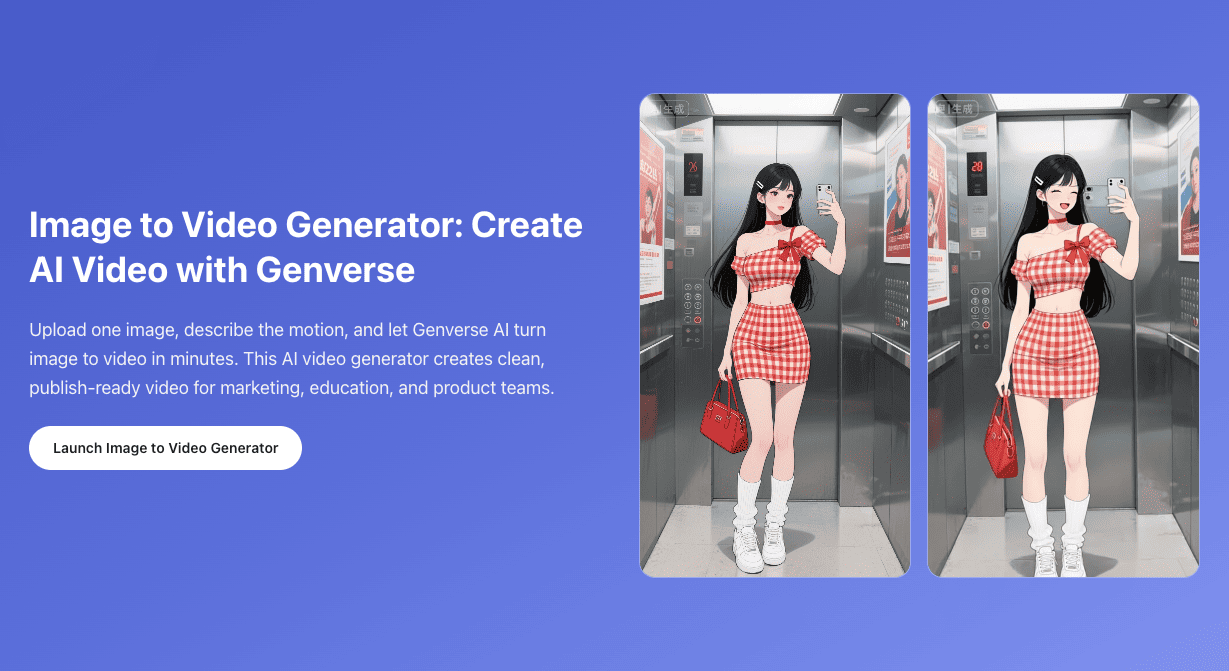
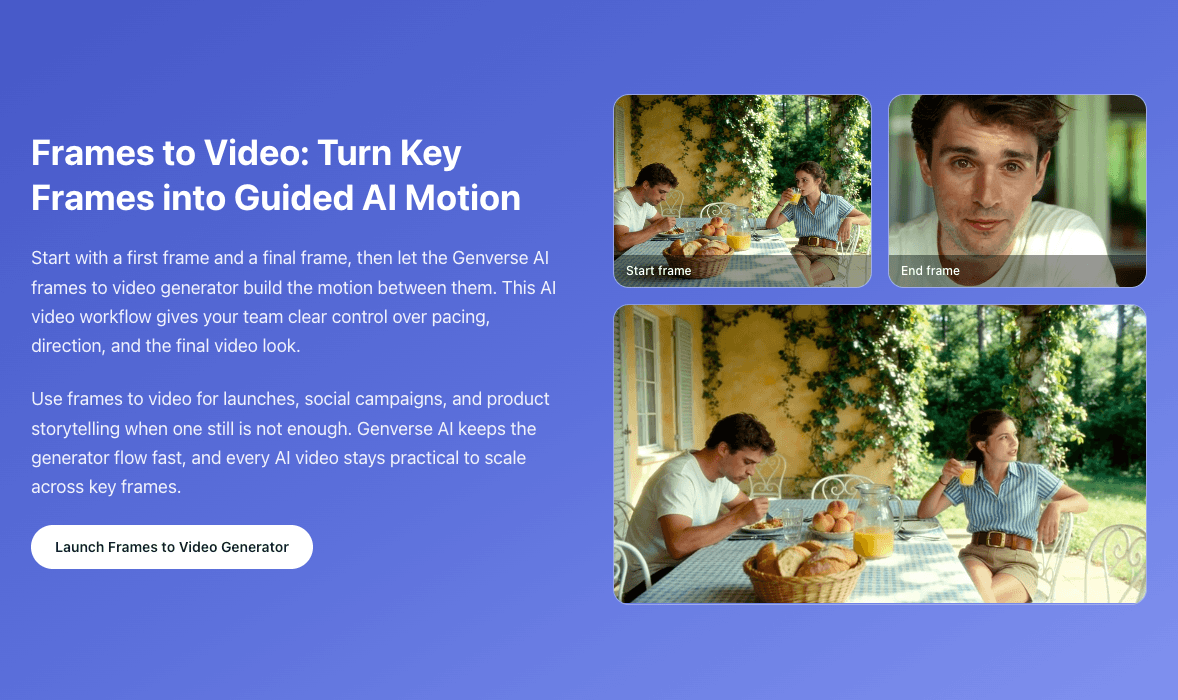
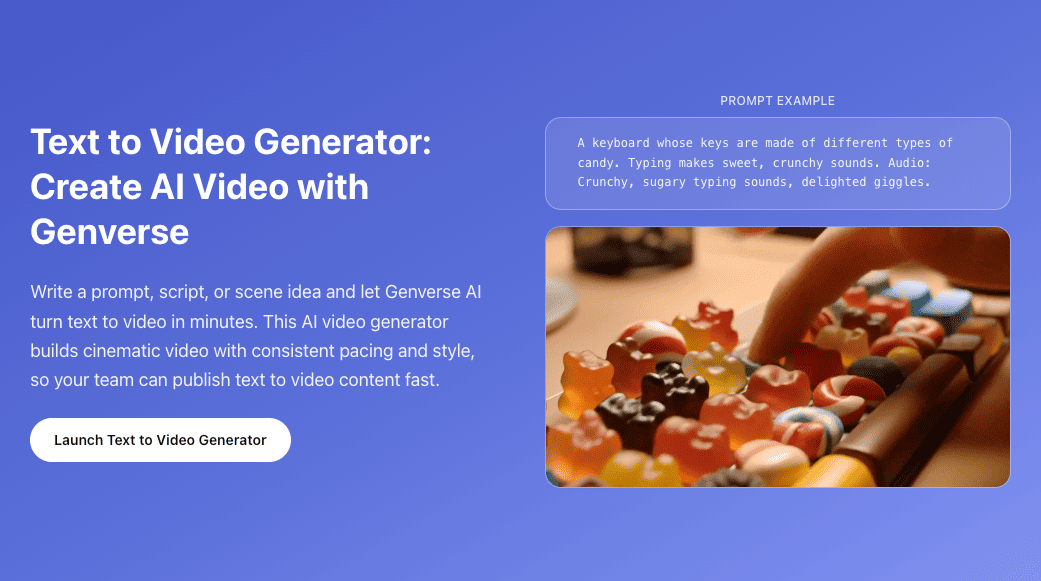
Combine this generator with related workflows to build a full creation pipeline.
Frequently Asked Questions
Quick answers about setup, consistency, and AI video export.
What is reference to video generation?
Reference to video generation is a method where anchor images guide style and identity while prompts guide motion.
Why use anchors instead of prompt-only output?
Prompt-only runs can drift. Anchor guidance gives the generator clearer visual constraints and improves consistency.
Can I upload multiple anchors?
Yes. Start with one primary anchor, then add supporting images for styling, product detail, or composition hints.
Is the output suitable for commercial work?
Yes. Paid plans support commercial usage for campaigns, launches, and client deliverables.
How do I improve consistency in reference to video?
Use clear anchors, concise prompt language, and stable camera instructions for each run.
What makes Genverse AI different?
Genverse AI combines practical controls, fast turnaround, and predictable quality for repeatable AI video production.