If you are looking for a real Sora 2 alternative, the key question is simple: which model gets you to usable video faster for your workflow.
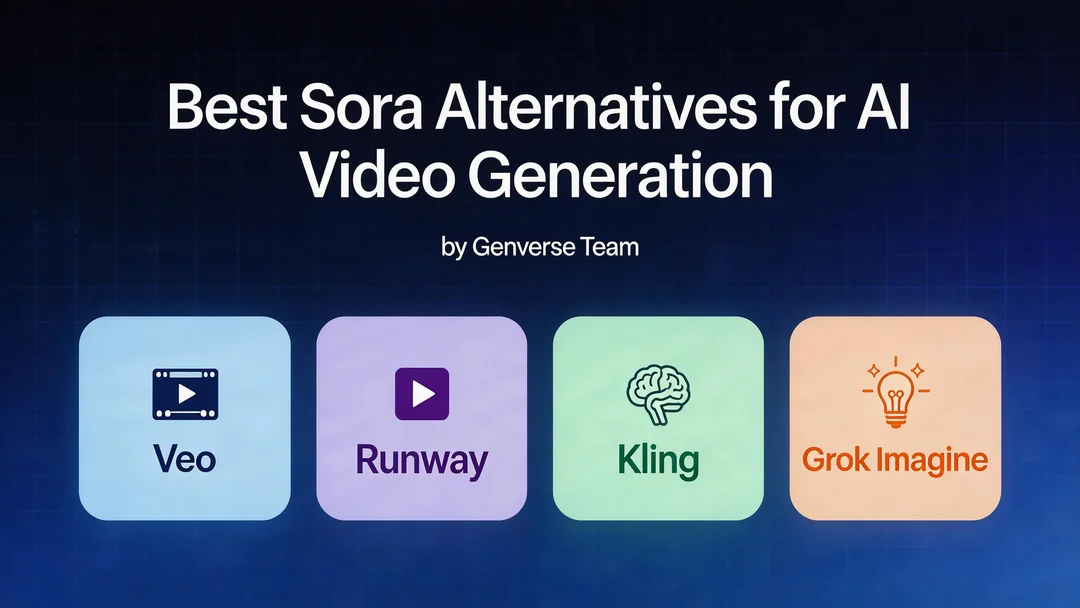
This guide compares Veo 3.1, Kling 2.6, Kling 3.0, and Grok Imagine using two lenses:
- practical model behavior in production workflows
- actual Genverse settings and credit costs
Quick context on Sora being discontinued
Based on public reporting from March 24, 2026, OpenAI confirmed it is shutting down the standalone Sora app and said user-export guidance would be provided.
The broader signal is that OpenAI's video strategy appears to be moving toward integration into core products rather than maintaining Sora as a separate app ecosystem.
References:
- AP News: https://apnews.com/article/openai-closes-sora-ai-c60de960536923f33edc04b92ddbe1cd
- Axios: https://www.axios.com/2026/03/24/openai-discontinue-sora-video-app
Top Sora 2 alternatives in 2026
- Veo 3.1: strong first-pass quality and cleaner motion language.
- Kling 2.6: balanced cost/control for day-to-day content production.
- Kling 3.0: broader controls, longer duration, and better campaign flexibility.
- Grok Imagine: the lowest-cost option for high-volume testing and drafts.
How this comparison was built
The notes below combine public model information (as of March 28, 2026) with current Genverse model configuration.
1) Veo 3.1
Veo is still a strong Sora alternative when you prioritize high-quality first drafts and motion readability.
Highlights
- Better prompt following and stable cinematic motion are the main reasons teams choose Veo first.
- Useful when you care about camera language and cleaner output early in the iteration cycle.
Genverse workflow and pricing
On Genverse, Veo 3.1 is configured for:
- 8-second generation
- 16:9 and 9:16 aspect ratios
- Fast / Quality generation modes
- credit pricing: 3 credits/sec (Fast) and 6 credits/sec (Quality)
Practical examples:
- 8s Fast: 24 credits
- 8s Quality: 48 credits
Best for
- product demos
- ad creatives with directed camera motion
- short premium social clips where first-pass quality matters
2) Kling 2.6
Kling 2.6 is the practical middle ground for teams that need controllable output with lower cost than premium modes.
Highlights
- Good baseline for frequent production: short-form, social clips, and repeatable prompt testing.
- Easier to budget for teams that run many iterations per week.
Genverse workflow and pricing
On Genverse, Kling 2.6 supports:
- 5s / 10s duration
- aspect ratios: 16:9, 9:16, 1:1
- optional audio
- text-to-video and image-to-video
Credit rates:
- no audio: 3.5 credits/sec
- audio on: 7 credits/sec
Practical examples:
- 5s no audio: 17.5 credits
- 10s with audio: 70 credits
Best for
- routine social production
- lower-cost campaign iteration
- teams that need stable output without heavy settings overhead
3) Kling 3.0
Kling 3.0 is the stronger option when you need more control surfaces, longer clips, and more creative room.
Highlights
- Broader production flexibility than Kling 2.6.
- Better fit for teams that need more variants from one creative direction.
- Supports workflows like first/last-frame generation for structured transitions.
Genverse workflow and pricing
On Genverse, Kling 3.0 supports:
- 3s to 15s duration
- 720p / 1080p options
- optional audio
- text-to-video, image-to-video, and first-last-frame workflows
Credit rates:
- 720p, no audio: 4.5 credits/sec
- 720p, audio on: 6.75 credits/sec
- 1080p, no audio: 6.3 credits/sec
- 1080p, audio on: 9.45 credits/sec
Practical examples:
- 5s at 720p no audio: 22.5 credits
- 12s at 1080p with audio: 113.4 credits
Best for
- high-variation ad production
- first/last frame transition workflows
- teams that need deeper control than Kling 2.6
4) Grok Imagine
Grok Imagine is the budget-efficient option for throughput-heavy workflows.
Highlights
- Useful when your priority is testing many prompt directions quickly.
- Strong value for draft generation before final upscale/refinement.
Genverse workflow and pricing
On Genverse, Grok Imagine supports:
- 6s / 10s / 15s durations
- aspect ratios: 2:3, 3:2, 1:1, 16:9, 9:16
- quality options: 480p / 720p
Credit rates:
- 480p: 0.6 credits/sec
- 720p: 1.02 credits/sec (0.6 × 1.7 quality multiplier)
Practical examples:
- 10s at 480p: 6 credits
- 15s at 720p: 15.3 credits
Best for
- low-cost experimentation
- volume prompt testing
- draft creation at scale
Which model should you pick?
| If your priority is... | Start with... |
|---|---|
| Highest first-pass quality and motion readability | Veo 3.1 |
| Balanced cost and controllable daily production | Kling 2.6 |
| Longer duration and richer control options | Kling 3.0 |
| Lowest cost per draft for scale testing | Grok Imagine |
Final take
For most teams searching for a Sora 2 alternative, this path works best:
- start with Veo 3.1 for quality-first output,
- move to Kling 2.6 for efficient daily iteration,
- use Kling 3.0 when you need deeper control and more formats,
- use Grok Imagine for low-cost high-volume testing.
This combination covers most practical video production workflows on Genverse today.