Transform Ideas into Stunning Videos with Genverse AI
Genverse AI Video Features
Create, enhance, and edit with the Genverse AI video generator, powered by Sora 2, Veo 3.1 and more professional AI video models.
AI Text to Video
Turn text prompts into high-quality videos with Genverse AI. Create cinematic or social clips using the Sora 2 & Veo 3.1 powered AI video generator.
- Generate up to 15 seconds of an AI video
- Sora 2: Extended videos at budget-friendly prices
- Veo 3.1: Fast & Quality modes plus reference prompts
- Multiple aspect ratios (16:9, 9:16)
- No watermark on generated AI videos
- Fast generation (typically 2-5 minutes)
Example Video
"A group of small animals gathered around drinking coffee"
AI Text to Video
Original Image
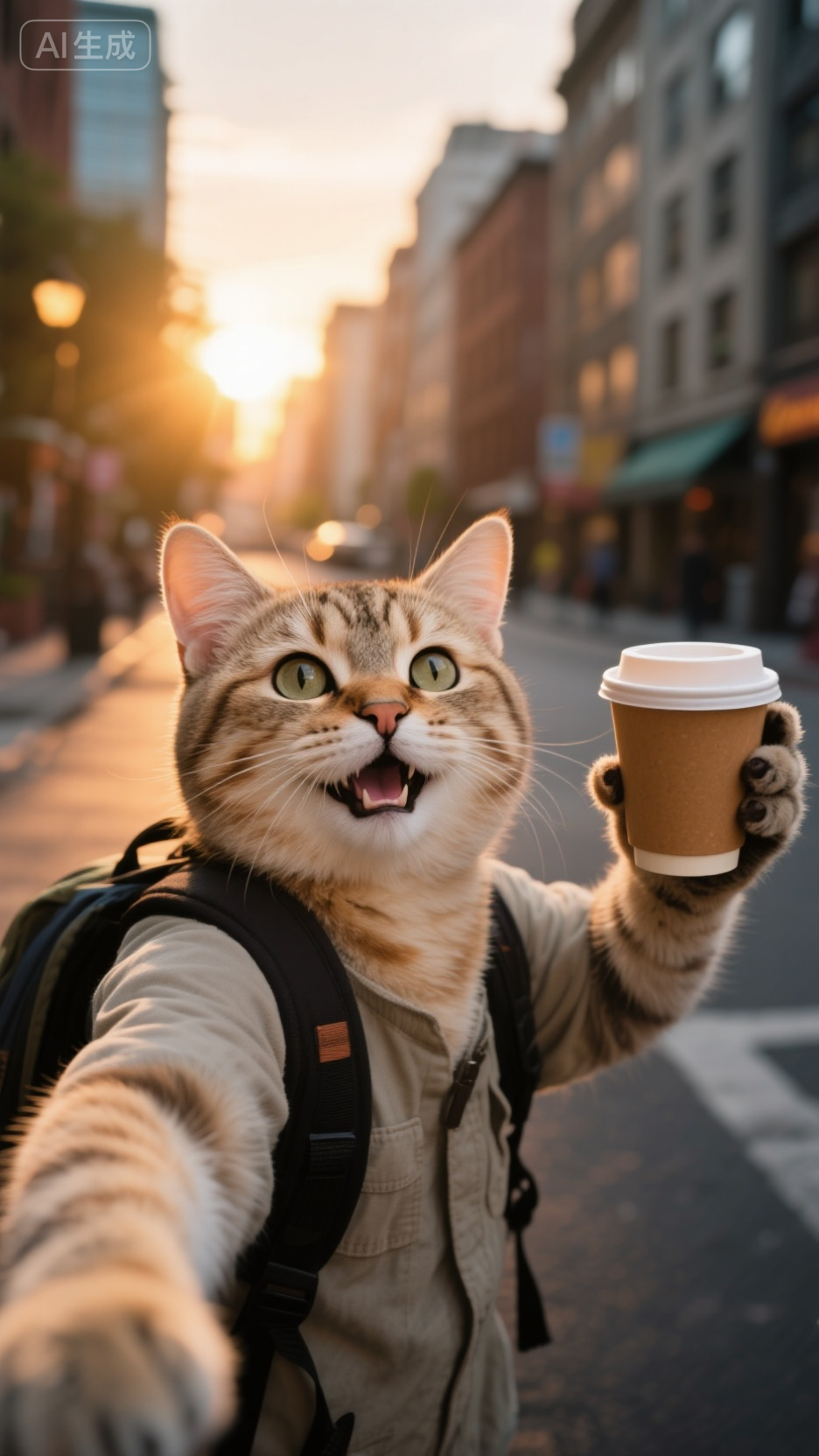
Generated Video
9:16 aspect ratio • Image to Video
AI Image to Video
Bring images to life with Genverse AI. Create cinematic animations using our Sora 2 & Veo 3.1 powered AI video generator.
- Animate any static image
- Sora 2: 10s/15s videos with natural motion
- Veo 3.1 supports first and last frame
- Maintain image style and quality
- Perfect for social media content
AI Frames to Video
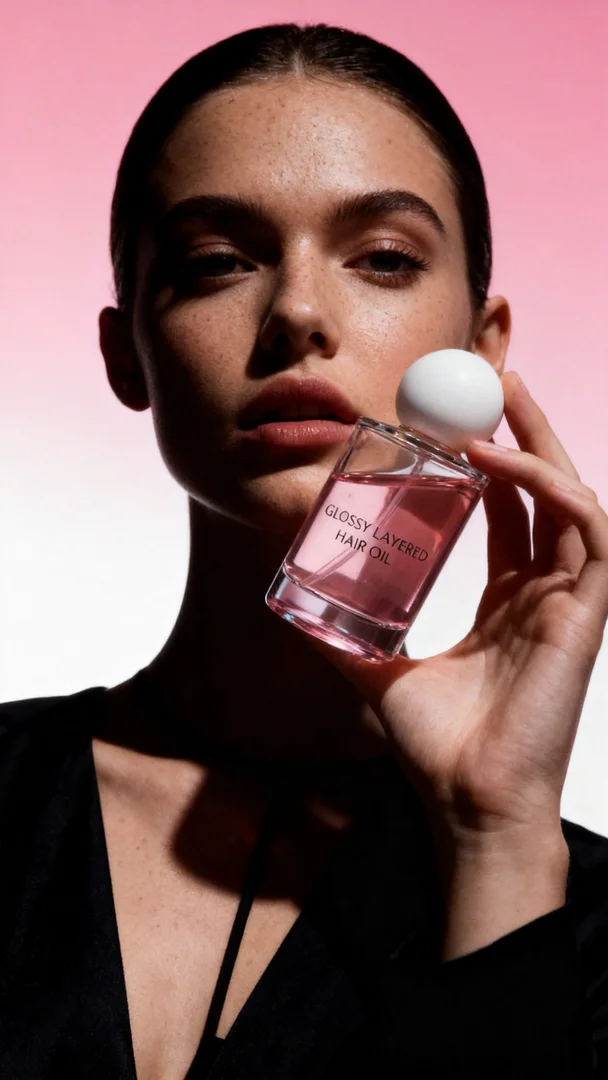
Generate smooth transitions between first and last frames with controllable motion direction and pacing.
- Upload first and last frames to guide motion
- Ideal for product reveals and cinematic transitions
- Works with Kling 3.0 and Veo 3.1 workflows
- Maintain scene continuity between key frames
First Frame
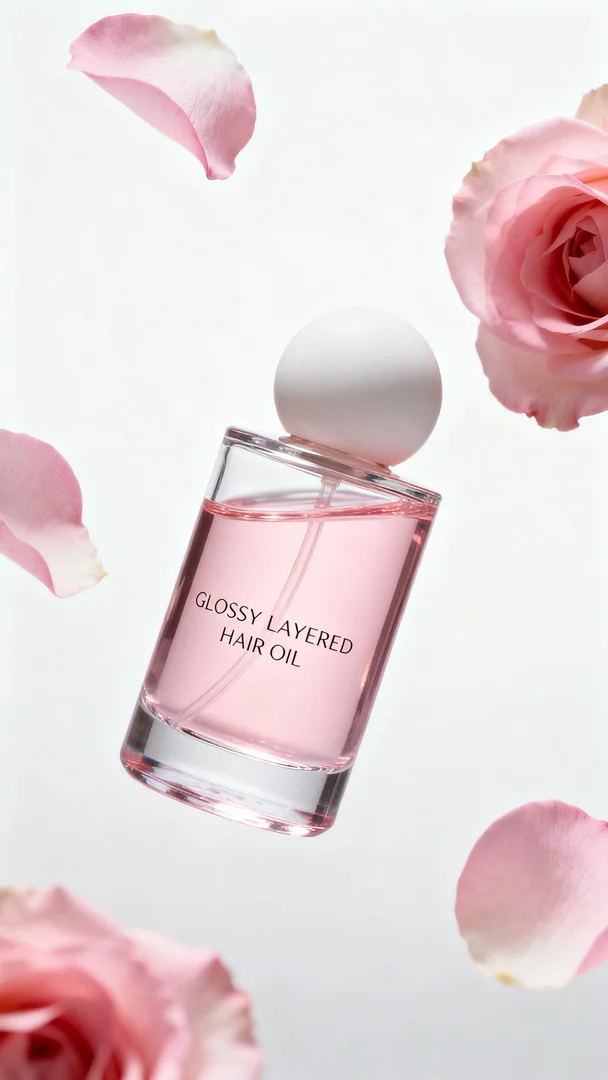
End Frame
AI Reference to Video
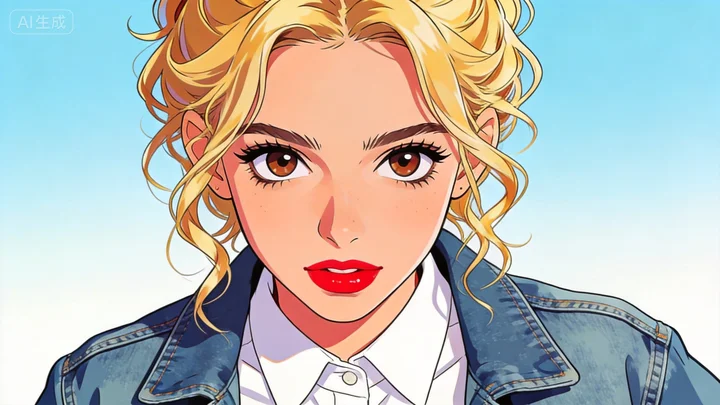
Use one or multiple reference images to control identity, style, and composition in generated videos.
- Keep character and visual style more consistent
- Support multiple reference images in one generation
- Great for brand campaigns and repeatable assets
- Higher control for real production workflows
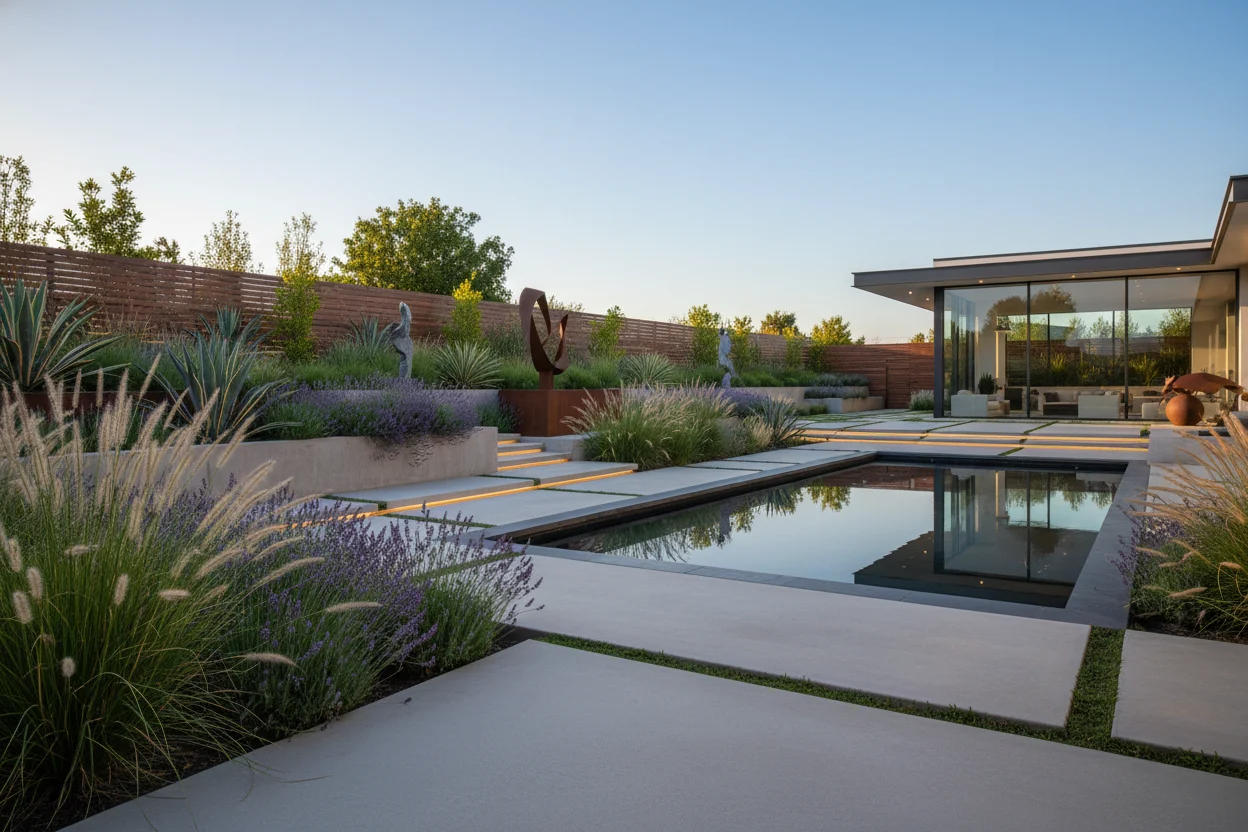
Remove Watermarks with One Click
Watermark-free video generation in one click with Genverse AI. Ideal for YouTube, Instagram, TikTok, and commercial use.
Crystal Clear Output
Get pristine, watermark-free videos that look professional and polished
One-Toggle Solution
Simply toggle the 'Remove Watermark' option when generating your AI video
Perfect for Business
Ideal for commercial projects, client work, and professional portfolios
With Watermark
No Watermark
Create AI Video in 3 Easy Steps
Genverse AI workflow makes AI video generation fast and intuitive.
Input Your Prompt
Enter a prompt or upload an image to start your AI video generation.
Customize & Generate
Select Sora 2 or Veo 3.1 and fine-tune your AI video settings.
Download HD Video
Get your watermark-free AI video in seconds.
Latest from the Genverse Blog
Fresh updates, practical guides, and model insights from our team.
Why Choose Genverse AI?
Advanced features powered by Sora 2, Veo 3.1 and more top AI technology that make AI video generation effortless for every Genverse AI video generator workflow.
Newest Top AI
Powered by Sora 2 + Veo 3.1 + more, delivering industry-leading video generator quality and realism.
Lightning Fast
Generate high-quality videos in minutes, not hours. Perfect for tight deadlines.
High Resolution
Create AI videos in up to 1080p with support for various aspect ratios.
Easy to Use
Intuitive interface designed for both beginners and professionals.
Enterprise Support
Dedicated onboarding, custom workflows, and priority assistance for your team.
Affordable Pricing
Flexible pricing plans with pay-as-you-go options to fit any budget.
Frequently Asked Questions
Have more questions? Contact us at [email protected]
What is Genverse AI?
Genverse AI is an AI-powered video generation platform powered by Sora 2, VEO 3.1 and more top AI technology. It creates high-quality videos from text descriptions or static images, making professional AI video creation accessible to everyone.
How long does it take to generate an AI video?
AI video generation typically takes 2-5 minutes depending on the length and complexity of the video. Text-to-video requests are usually completed within 3-5 minutes, while image-to-video animations take 2-3 minutes.
What video lengths are supported?
Video length varies by AI model. Currently, you can generate a video up to 15 seconds. We're working on extending this to longer durations in future updates.
Can I use the AI video generated by Genverse AI commercially?
Yes! All videos generated with a paid plan can be used for commercial purposes, including advertising, marketing, social media, and entertainment projects. Free tier videos are for personal use only.
What video formats/aspect ratios are supported?
Video formats/aspect ratios varies by AI video model. Most models generate AI videos in MP4 format, which is compatible with all major platforms and devices. You can also export in different aspect ratios (16:9, 9:16) using most models.
Can I automate my workflows?
You can export AI videos, share links, and collaborate with teammates. For advanced integrations, contact us and we'll explore bespoke solutions together.
What payment methods do you accept?
We accept all major credit cards (Visa, Mastercard, American Express) through Creem. Enterprise customers can also arrange for invoice-based payments.
What is your refund policy?
We are not a subscription service. If video generation fails, credits are automatically refunded. If the refund doesn't occur or you face other issues, contact us at [email protected] for a refund.
Do you store my generated AI videos permanently?
No, generated AI videos are stored temporarily due to server capacity limitations. Videos will be automatically deleted after a period of time. Please download your videos promptly after generation to keep them.
How do I get started?
Simply sign up for a free account to start with our free tier. You'll get 20 free credits to try out the platform. Upgrade to a paid plan anytime to unlock more features and higher generation limits.
Ready to Create Your First AI Video with Genverse AI?
Join thousands of creators using the Genverse AI video platform powered by Sora 2, Veo 3.1, and top AI technology to bring ideas to life.