Runway Gen-4 AI Video Generator
Build polished short-form ai video with Runway Gen-4 in a focused Genverse AI workflow for text and image creation.
Your video will appear here
Ready when you are—add a descriptive prompt to begin.
You can review your finished videos anytime on My Videos.
Runway Gen-4 for Cinematic AI Video on Genverse AI
Runway Gen-4 is built for teams that need short-form AI video with stronger motion quality, tighter prompt adherence, and cleaner visual continuity. On Genverse AI, you can use Runway Gen-4 for text-to-video and image-to-video in one focused workflow.
Runway research introducing Gen-4 highlighted benchmark leadership and major gains in physical realism, scene complexity, and expressive character motion. This page translates those signals into practical guidance for creators who need repeatable, production-grade Runway results today.
What Makes Runway Gen-4 Stand Out?
Runway's research examples emphasized realistic momentum, liquid behavior, nuanced character expression, and cleaner camera-driven storytelling in complex scenes. Those qualities are directly relevant to teams producing launch videos, social campaigns, product storytelling, and concept reels where visual consistency matters as much as speed. Runway Gen-4 offers better shot control, more reliable motion logic, and stronger detail persistence over time.
On Genverse AI, Runway Gen-4 is organized as a clear production workflow instead of a fragmented settings panel. That makes it easier to iterate with intent, compare versions quickly, and keep quality decisions aligned with the final distribution channel.
Core Strengths Behind Runway Gen-4 Results
These are the characteristics that make Runway Gen-4 more usable for real creative production.
Prompt Adherence with Better Physical Logic
Runway output follows detailed shot instructions more consistently, especially when prompts describe weight, force, momentum, or fluid behavior. This improves trust in first-pass generations.
Higher Motion Continuity Across Frames
Runway Gen-4 is stronger at maintaining temporal coherence, helping fine details like hair, fabric texture, and material surfaces stay stable instead of flickering between frames.
Complex Multi-Subject Scene Control
When scenes include multiple objects, layered actions, and camera movement, Runway can preserve composition and visual relationships with fewer breakdowns in spatial logic.
More Expressive Character Performance
Runway handles nuanced facial emotion, gesture timing, and body rhythm more naturally, which is valuable for narrative shorts, spokesperson content, and brand storytelling.
Why Runway Gen-4 Works in Daily Production
Runway Gen-4 is not just a demo model. It fits repeatable editorial workflows.
Reliable First Passes for Creative Teams
Because Runway tends to follow prompt intent more closely, teams can evaluate ideas faster and spend less time correcting basic motion or composition errors.
Better Storytelling from a Single Reference Image
Image-to-video helps teams preserve key art direction from one still while adding controlled movement, useful for campaign visual systems and product hero assets.
Stronger Results in Camera-Led Prompts
Runway performs well when prompts include cinematic camera language such as pan, truck, orbit, or handheld motion, making shot planning more predictable.
Useful Across Real and Stylized Aesthetics
From photoreal scenes to stylized visual worlds, Runway keeps aesthetic direction more coherent across the clip, reducing the need for heavy post-fix work.
Faster Team Review and Version Selection
Genverse AI keeps Runway text-to-video and image-to-video in one place, so teams can compare variants side by side and finalize a stronger cut with less handoff friction.
Production Settings That Match Delivery Needs
Duration, ratio, and output quality stay visible during generation. Teams can align each Runway pass to actual platform requirements instead of rebuilding settings per shot.
How to Get Better Runway Gen-4 Outputs
A focused workflow helps teams turn Runway quality into repeatable production outcomes.
Choose Text-to-Video or Image-to-Video
Start with text when you are exploring direction. Start with one image when composition, subject identity, or visual tone is already locked.
Write Shot-Level Prompt Instructions
Describe subject behavior, camera movement, pacing, lighting, and environment clearly. Runway responds best when prompts are concrete and cinematic, not vague.
Set Duration, Aspect Ratio, and Output Quality
Pick 5s or 10s duration, choose 16:9, 9:16, 1:1, 4:3, or 3:4 framing, and select 720p or 1080p based on whether you are iterating or publishing.
Generate Variants and Keep the Best Narrative Cut
Run multiple controlled passes, compare motion continuity and framing discipline, then keep the version that communicates the story most clearly.
Best Use Cases for Runway Gen-4
Runway Gen-4 performs best when motion quality and prompt fidelity need to hold up under real review.
Product Launch Videos and Reveals
Use Runway for controlled hero shots, product motion, and cinematic reveal sequences where brand perception depends on visual polish.
Short-Form Social Campaign Assets
Generate platform-ready Runway clips in vertical, square, or widescreen formats for paid social, organic posts, and creator collaboration cycles.
Concept Films and Mood Visualizations
Translate early creative direction into tangible moving references for internal alignment, pitch decks, and pre-production story development.
Character-Driven Branded Storytelling
Runway's stronger expression and gesture handling makes it useful for short narrative pieces, spokesperson scenes, and identity-led campaign edits.
Why Use Runway Gen-4 on Genverse AI
Genverse AI turns Runway Gen-4 into a cleaner workflow for teams that publish at speed.
Focused Runway Workspace
Runway generation is organized as a single workflow, helping teams stay in context and avoid needless interface switching.
Clear Input Modes for Faster Decisions
Switch between text-to-video and image-to-video based on task intent, so each shot starts from the most effective creative input.
Visible Production Controls
Key settings remain front and center during Runway generation, making it easier to align output with platform requirements and review standards.
Built for Repeatable Team Output
Genverse AI supports a repeatable Runway process for teams producing ongoing campaigns, reducing variation in quality across repeated deliveries.
Frequently Asked Questions About Runway Gen-4
What is Runway Gen-4?
Runway Gen-4 is an AI video model for short-form generation from text prompts or a single image, with a strong focus on motion quality and visual fidelity.
What does the Gen-4 research release tell us?
Runway's December 2025 research post highlighted benchmark leadership and major progress in prompt adherence, physical realism, and temporal consistency for the model family.
Which workflows are available on this page?
This Runway Gen-4 page supports text-to-video and image-to-video workflows on Genverse AI.
Which durations, resolutions, and ratios are supported?
You can generate 5-second or 10-second Runway clips in 720p or 1080p and choose 16:9, 9:16, 1:1, 4:3, or 3:4 aspect ratios.
What file types are accepted for image-to-video?
Image-to-video accepts JPG, JPEG, and PNG files up to 10MB as source input.
What projects are best for Runway Gen-4?
Runway Gen-4 is a strong fit for product launches, social campaigns, concept films, and narrative short-form content where movement quality and shot clarity are critical.
Are there known limitations in current video models?
Like other modern video models, Runway outputs can still show occasional issues with causal order, object permanence, or improbable success bias in certain complex scenes.
Explore More Genverse AI Video Workflows
Pair Runway Gen-4 with other Genverse AI tools when a project needs multiple creative approaches.

Text to Video
Start from pure prompt direction when you need to explore quickly.
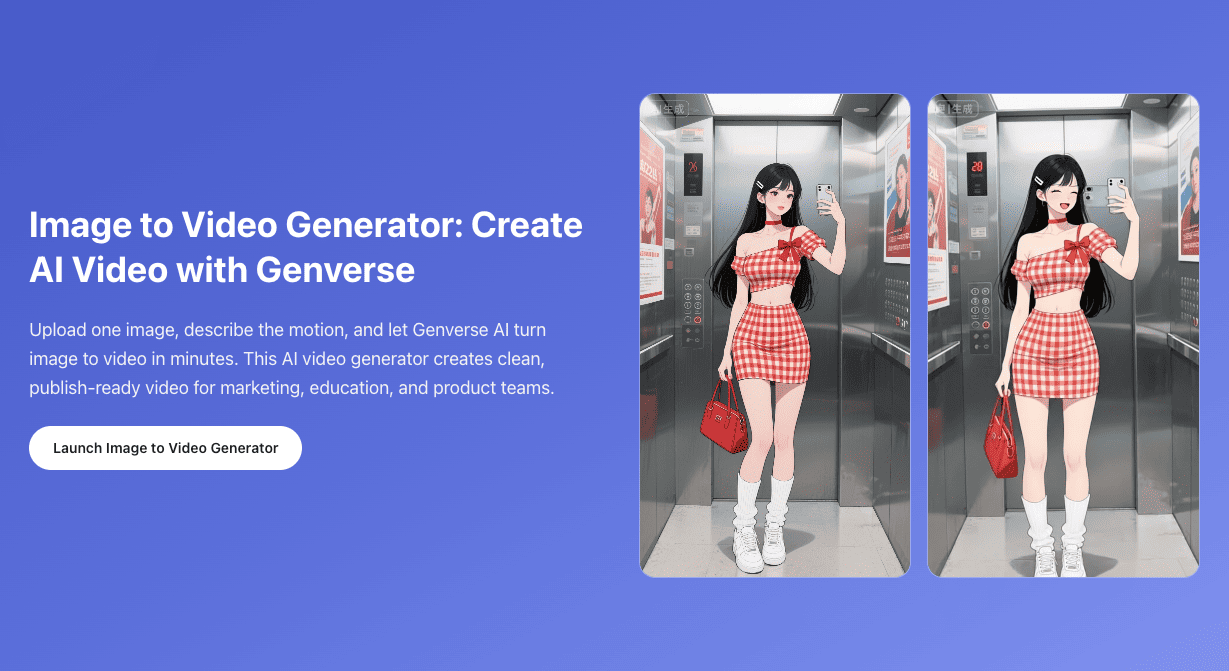
Image to Video
Animate one still image when visual composition should lead the clip.

Frames to Video
Use fixed start and end frames when opening and landing shots both matter.
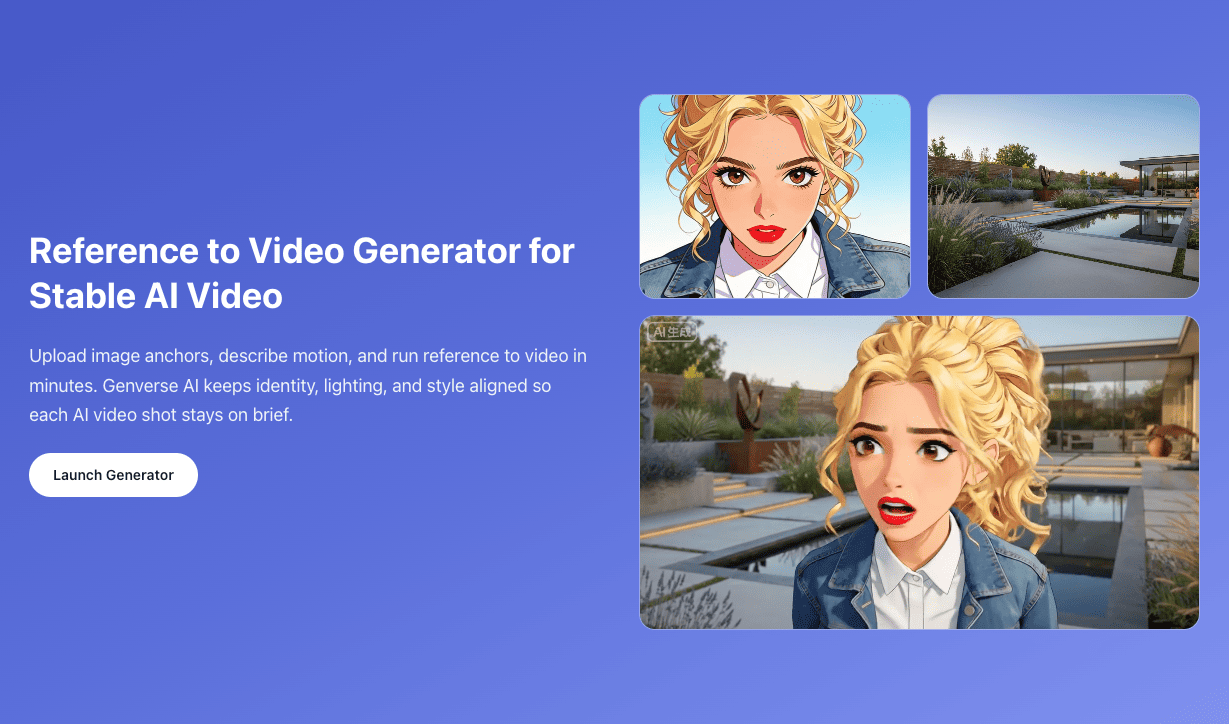
Reference to Video
Add stronger visual guidance when identity and style need tighter control.